The five Andromeda palettes
Compare the base, Aurora, Solar, Forest, and Nebula choices.
On this page
Start from Andromeda#
Apply Andromeda in Appearance → Theme and inspect its matching scheme. The base palette’s dark surface supports vivid syntax accents across source and markup. The screenshots show Python, HTML/CSS, and Java so you can compare more than one language’s categories.
The registered family also includes Andromeda Aurora, Andromeda Solar, Andromeda Forest, and Andromeda Nebula. Select these exact entries to compare their palette character in your own project.
Inspect varied syntax#
In Python, check comments, function names, strings, numeric literals, and decorators. In HTML/CSS, inspect tags, attributes, selectors, and values. In Java, include types, calls, and diagnostics. One language’s attractive colors do not establish how another language plugin categorizes its tokens.
Check selected and focused states#
Select text, search for a name, and open completion. Inspect the popup selection and secondary text. Then inspect the Project tree and active tab so you see the surrounding UI treatment as well as syntax.
Use the reading samples if you want a compact fixed comparison. Keep fonts and brightness unchanged while switching variants.
Customize only after comparing#
A manually selected editor scheme can obscure the difference between family members. Apply the matching supplied scheme first, then follow multi-language customization if one specific token category needs adjustment.
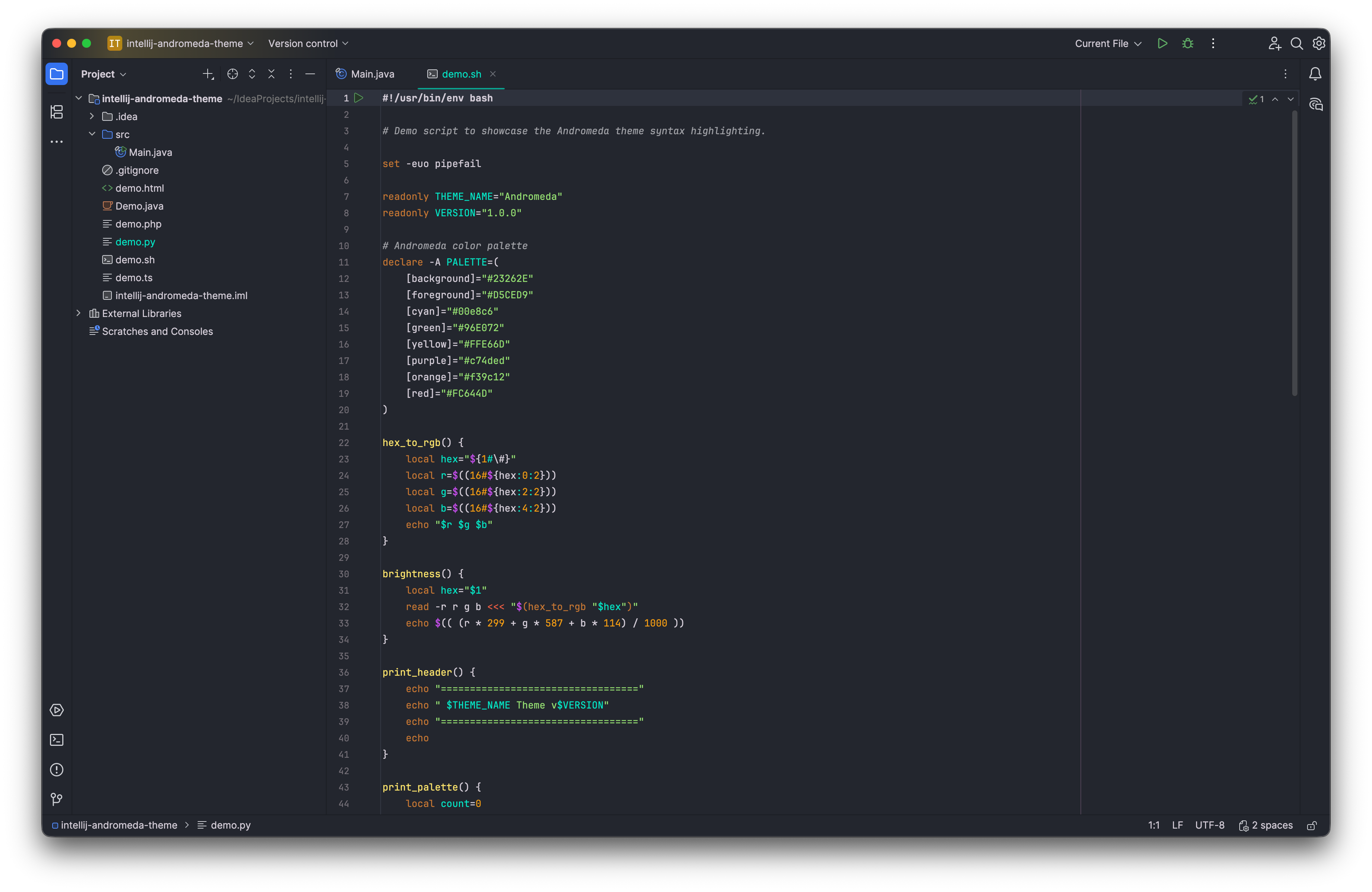
Andromeda highlighting separates Python declarations, strings, and comments. Select the image to view it at full size.
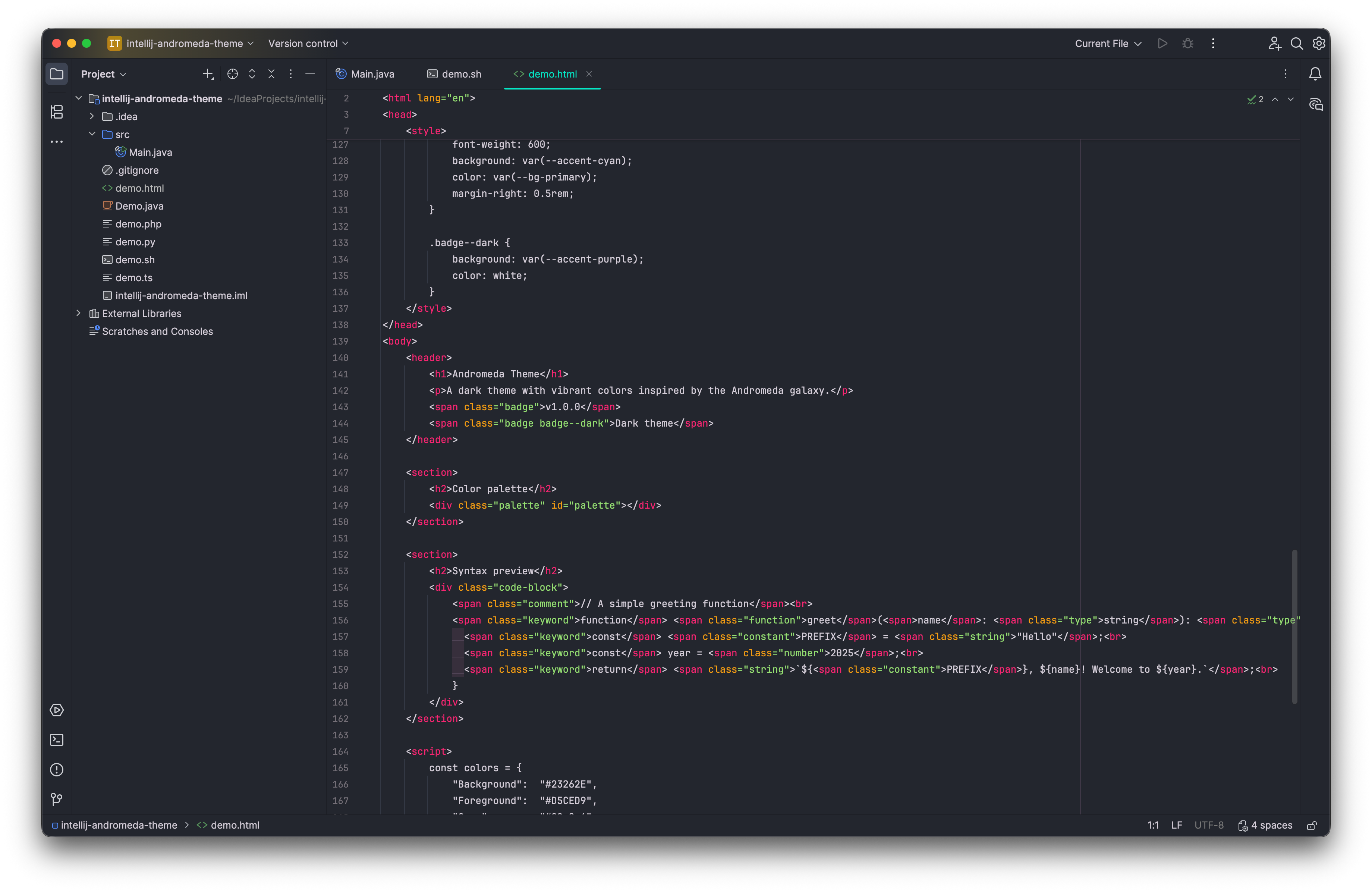
The palette also covers markup and embedded style syntax. Select the image to view it at full size.
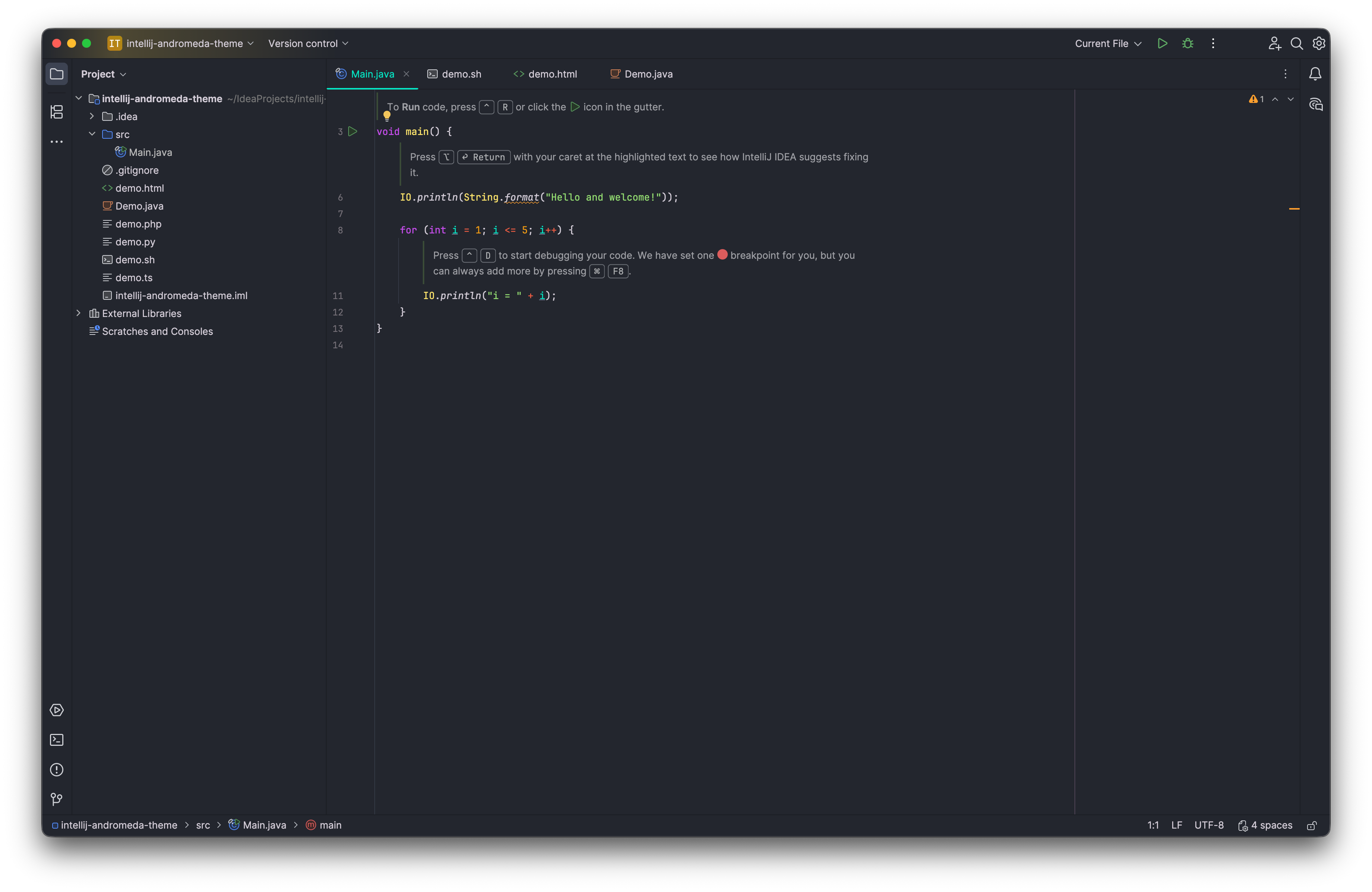
Java source provides a third language comparison within the workspace. Select the image to view it at full size.
Manual for version 2026.2.1 · Reviewed