Palette groups and optional file icons
Navigate the large Bearded family and apply its file-icon treatment independently.
On this page
Narrow the palette family#
The release registers sixty-five choices. Start with a family rather than testing every entry randomly: Arc, Vivid, Monokai, Solarized, Oceanic, Milkshake, Black & accent, Aquarelle, HC, Coffee, and the individually named palettes offer different directions. The variant reference lists exact names.
Bearded Theme Light, light family members, and cream choices provide alternatives to dark surfaces. Colorblind, OLED, and HC choices have distinct design goals; inspect the actual selected state rather than assuming every dark variant has the same contrast.
Compare a working file#
The screenshots show Java source with comments, annotations, strings, and method calls. Compare tree selection, active tab, and current line too. Use a matching scheme to keep the editor and surrounding UI coherent.
Download the reading samples and compare two candidates while holding fonts and brightness fixed. Open completion and a diff to inspect states absent from the sample screenshot.
Configure file icons independently#
Open Settings → Appearance & Behavior → Bearded Theme to enable or disable matching file icons. This is separate from selecting a color palette under Appearance. Turning off icons should not require abandoning the theme you prefer.
Another icon provider may replace the same resources. Compare with one icon provider active when diagnosing unexpected file icons.
Choose modern geometry#
Bearded Theme Islands Moonstone is an explicitly registered Islands choice. Its surrounding geometry also depends on the supported IDE UI. Continue with contrast, schemes, and Islands for focused customization.
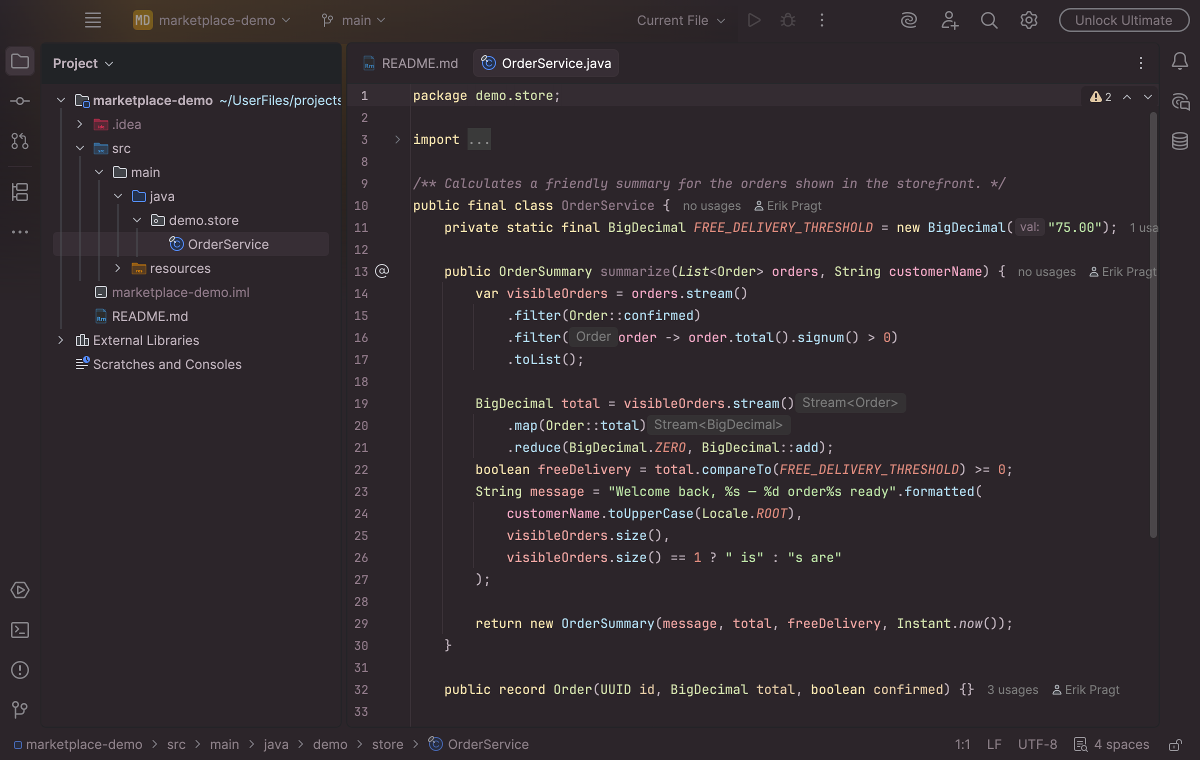
A Bearded palette applies syntax colors and surrounding workspace accents. Select the image to view it at full size.
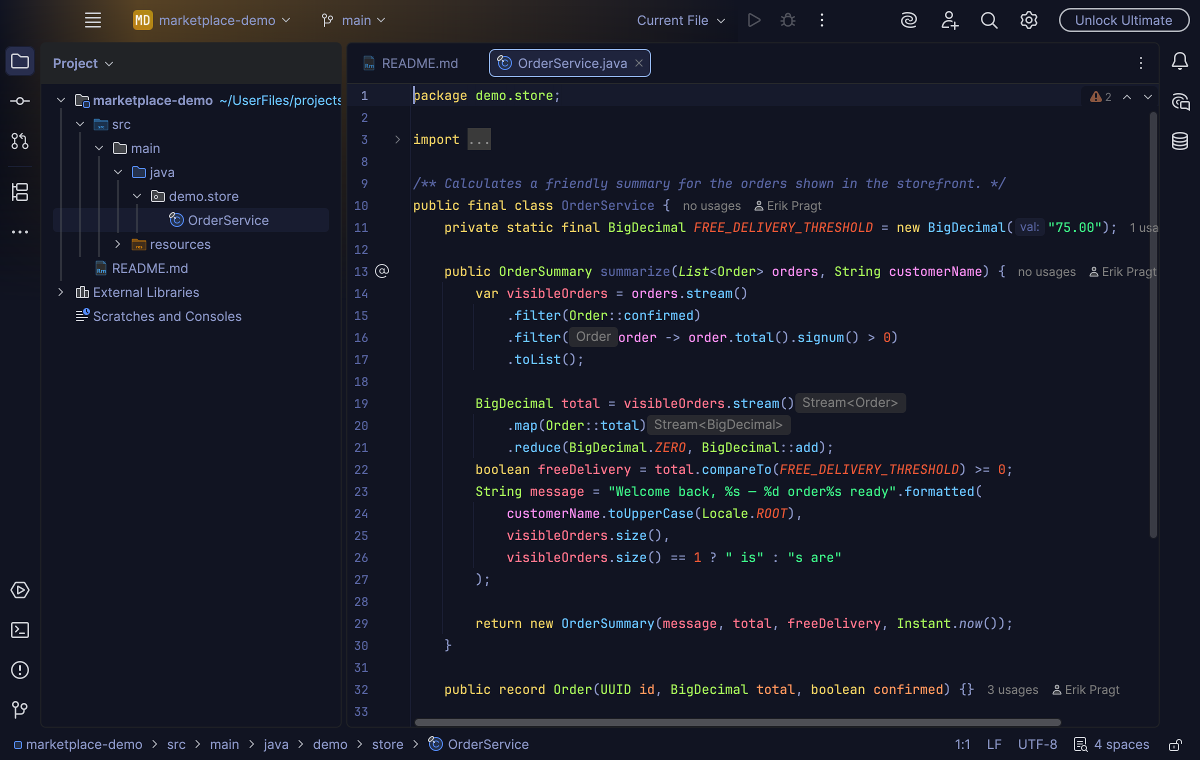
A blue dark treatment illustrates another direction within the Bearded collection. Select the image to view it at full size.
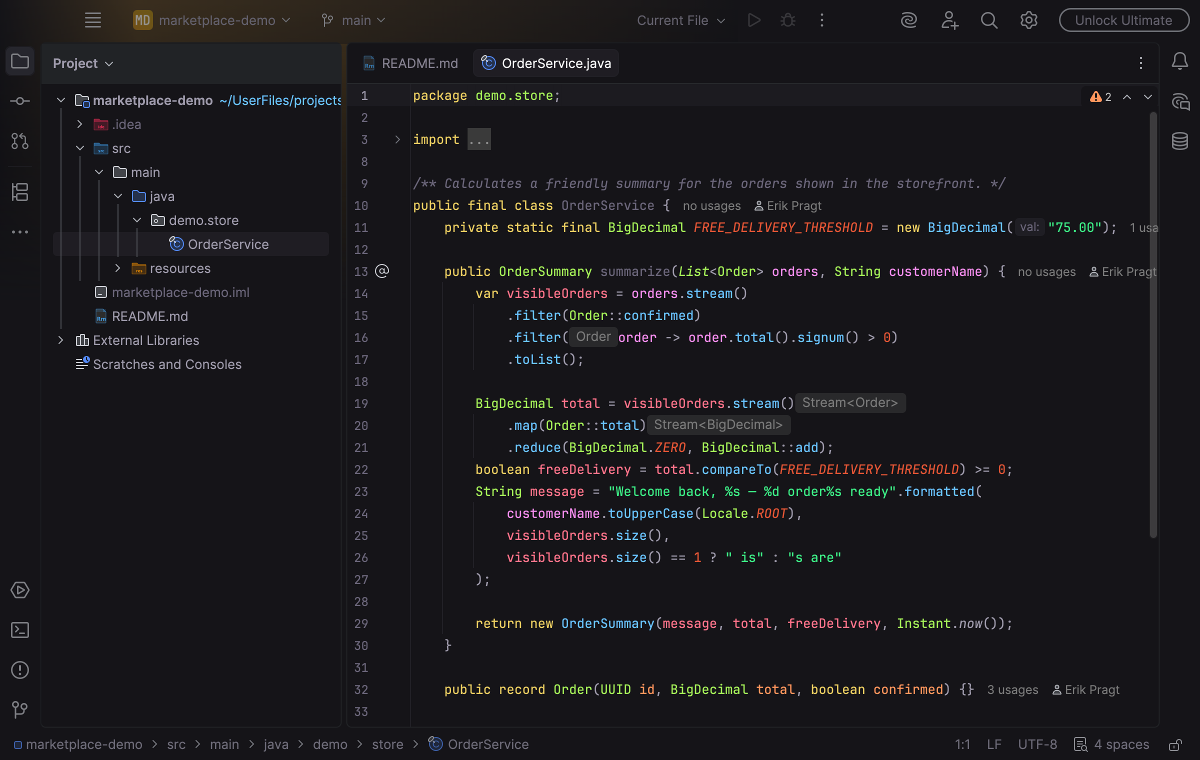
A restrained dark palette provides a further comparison on the same source. Select the image to view it at full size.
Manual for version 2026.1.2 · Reviewed