Noctis dark and light families
Compare cool, warm, minimal, and light Noctis workspaces.
On this page
Explore the family#
The twelve registered choices include the core Noctis palette, dark relatives such as Sereno, Obscuro, Azureus, Bordo, Uva, Viola, Minimus, and Aurora, plus the light Lux, Hibernus, and Lilac variants. The variant list gives the exact selectable names.
Choose a theme in Appearance and inspect its matching editor scheme. The pack spans more than a single dark/light toggle; different relatives change surface and accent character.
Read the dark comparisons#
The screenshots show Java source on several cool dark surfaces. Compare the ordinary foreground, comment, string, current line, tree selection, and tab. Similar source can appear quieter or more saturated depending on the chosen relative.
Use your own project to inspect the warmer and light variants. Do not infer that every registered palette is illustrated by these three dark screenshots.
Compare the working states#
Open completion, select source text, and inspect a warning/error. Use the reading samples to keep the source fixed while switching. Light variants should be evaluated as their own full palette at your normal brightness.
Keep the family coherent#
If a theme changes the Project tree but the code stays on a previous palette, inspect Editor → Color Scheme for a manual override. Continue with matching and customizing a scheme after choosing the supplied variant you prefer.
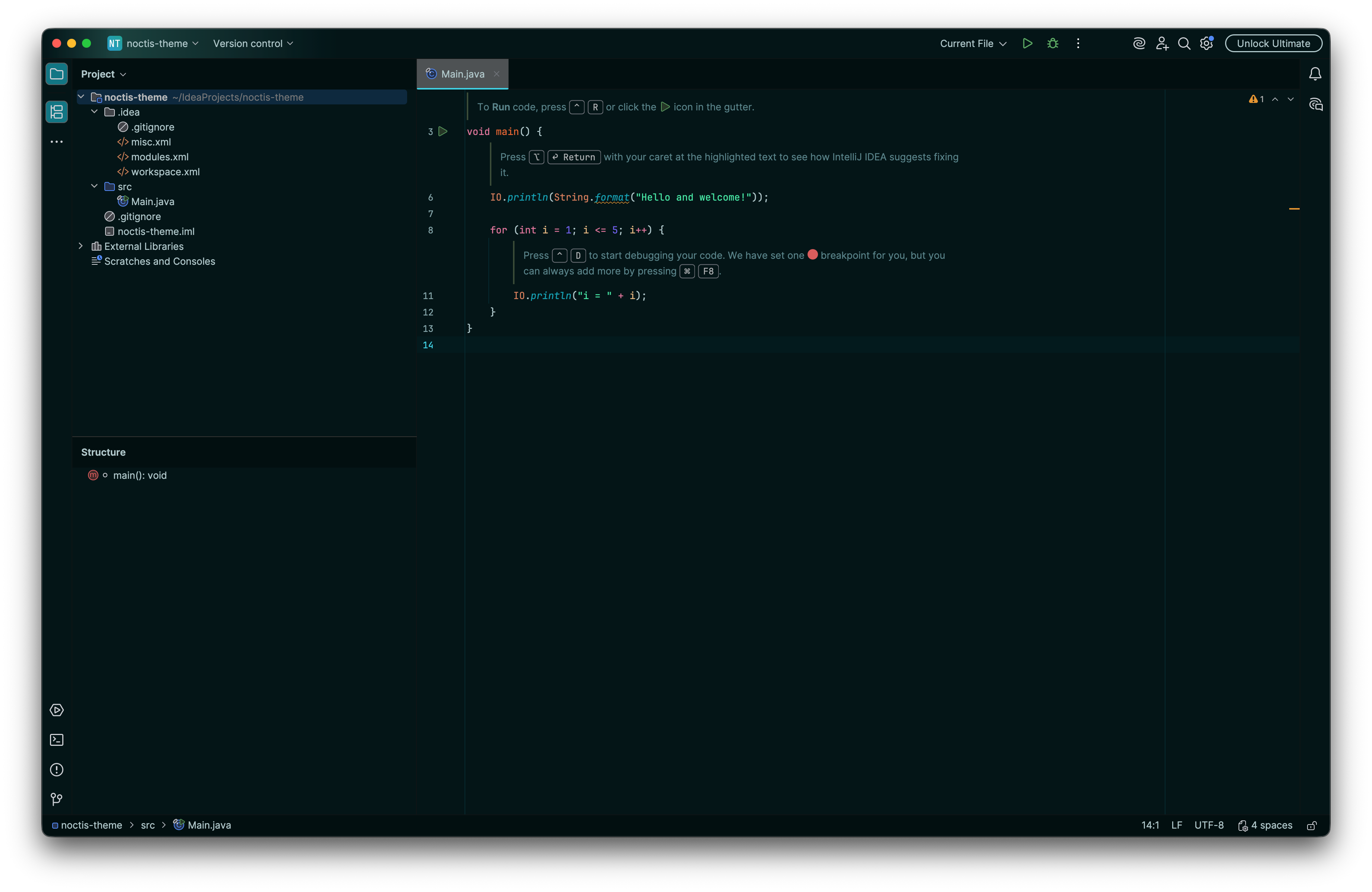
A deep Noctis workspace keeps the source and tree on a restrained dark surface. Select the image to view it at full size.
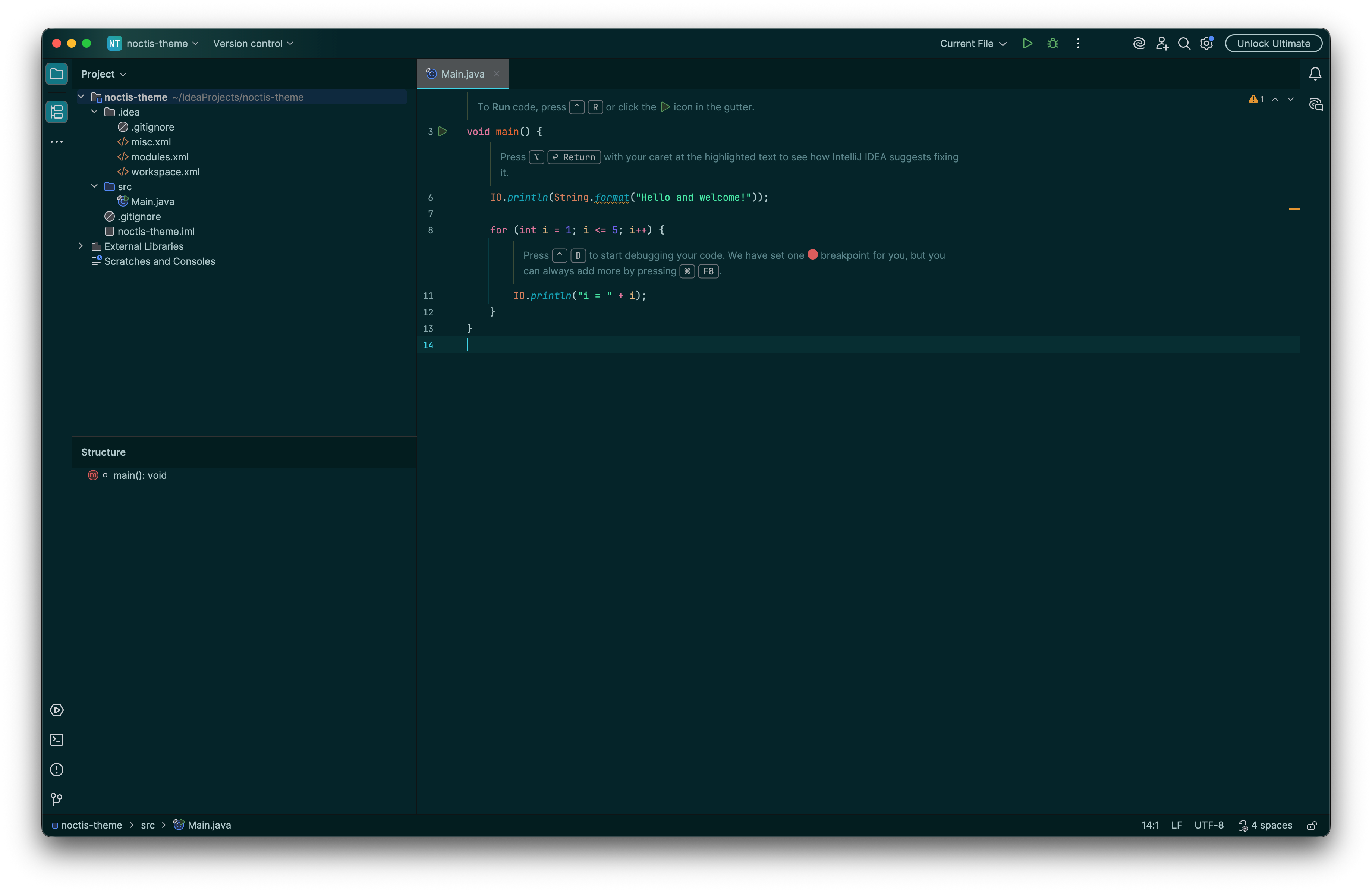
A teal-toned Noctis workspace changes the surface relationship. Select the image to view it at full size.
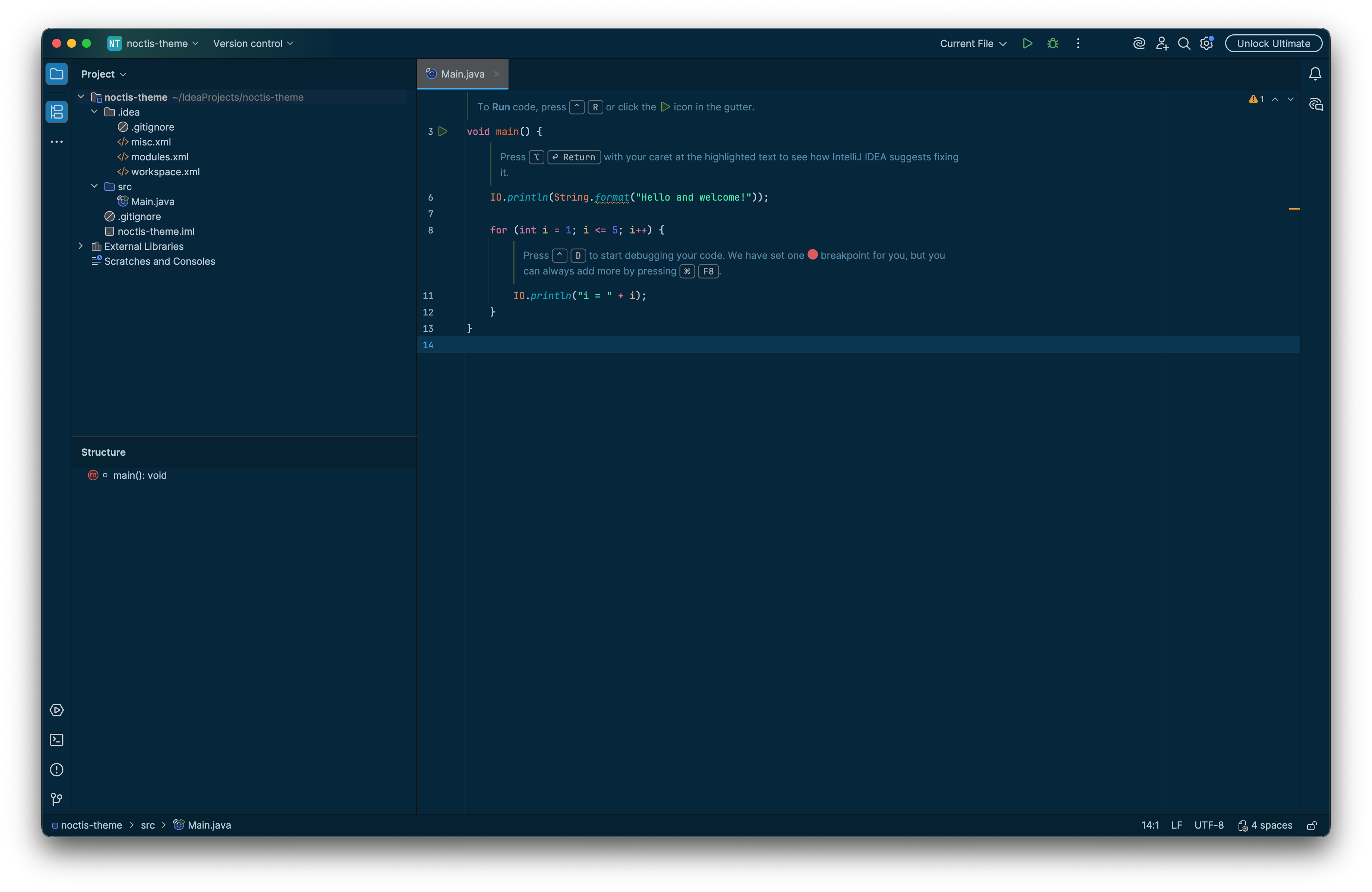
A blue Noctis treatment provides a further dark-family comparison. Select the image to view it at full size.
Manual for version 2026.2.1 · Reviewed