Overview
What Tokyo Night Dark Theme provides, its requirements, and where to start.
On this page
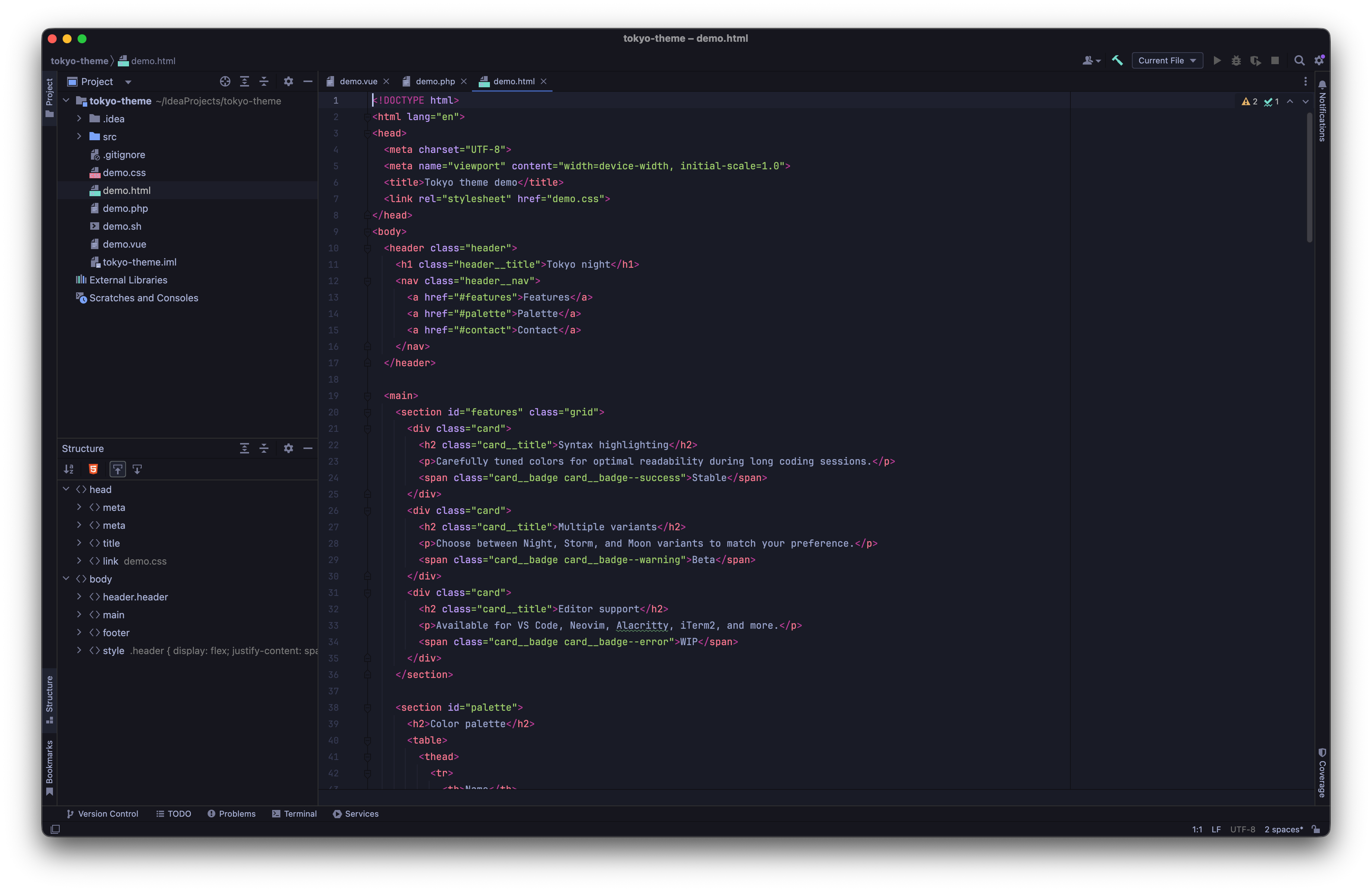
Tokyo Night pairs calm blue surfaces with colorful syntax and coordinated controls. Four variants cover deep night, a softer storm palette, daytime light, and an Islands-specific dark workspace.
Requirements#
IDE compatibility: IntelliJ IDEA 2024.1+. Check the Marketplace list for other editions and their supported versions.
The documented release is 2026.1.1. Its Marketplace compatibility starts at IntelliJ Platform build 241.0. Check the Marketplace compatibility list for your IDE edition and version before installing.
Install the theme in a compatible JetBrains IDE. No language compiler or language server is required. Modern Islands variants need the corresponding platform support; inspect the release compatibility and variant notes before choosing one.
Start here#
Install Tokyo Night Dark Theme, then follow Choosing a variant. The configuration reference explains where to adjust the behavior for your project.
In this manual#
- Choosing a variant — Compare the Tokyo Night Dark Theme palettes and select a suitable workspace.
Feature guides#
Visual guide#
- Tokyo Night, Storm, Light, and Islands — Compare the family’s surfaces, syntax, and workspace geometry.
Customization#
- Matching schemes and Islands behavior — Apply the full palette and preserve deliberate font or syntax changes.
Current limitations#
Tokyo Night Islands requires IntelliJ Platform 2025.3 or later. The classic themes retain support on older compatible versions; selecting a theme cannot add Islands geometry to a platform that lacks it.
Release reference#
These instructions target the published 2026.1.1 release. Check the version under Settings → Plugins → Installed if your IDE behaves differently. For setup failures, start with troubleshooting.
Manual for version 2026.1.1 · Reviewed