Hard, Medium, Soft, and Islands
Understand the two independent choices in the Gruvbox family.
On this page
Choose light or dark#
Gruvbox’s warm syntax accents are available on both dark and light surfaces. Begin with Gruvbox Dark Medium or Gruvbox Light Medium and inspect a representative source file, tree selection, and popup.
The Light palette’s warm paper background is visibly different from changing display brightness on Dark. Apply the full theme and matching editor scheme when comparing.
Choose a contrast level#
Hard, Medium, and Soft are separate registered choices for each appearance. Hard gives a stronger surface contrast; Soft offers a gentler background relationship. Compare comments, indentation guides, current line, and selection as well as colorful keywords.
Keep display brightness and font fixed while switching. Otherwise a brighter monitor or larger font can dominate the palette difference you are trying to judge.
Choose workspace treatment#
The release registers an (Islands) counterpart for each of the six base choices, giving twelve total entries. Select the full name, such as Gruvbox Dark Hard (Islands), in Appearance. Contrast level and Islands treatment are independent choices.
Modern geometry still depends on platform support and UI settings. A copied editor scheme does not switch the surrounding workspace into its Islands counterpart.
Reproduce a comparison#
Use the reading samples or your own Python/Java/TypeScript file. Inspect muted comments, strings, types, numeric literals, diagnostic marks, and completion selection. Choose a palette based on the states you read all day, then follow custom scheme guidance for a targeted adjustment.
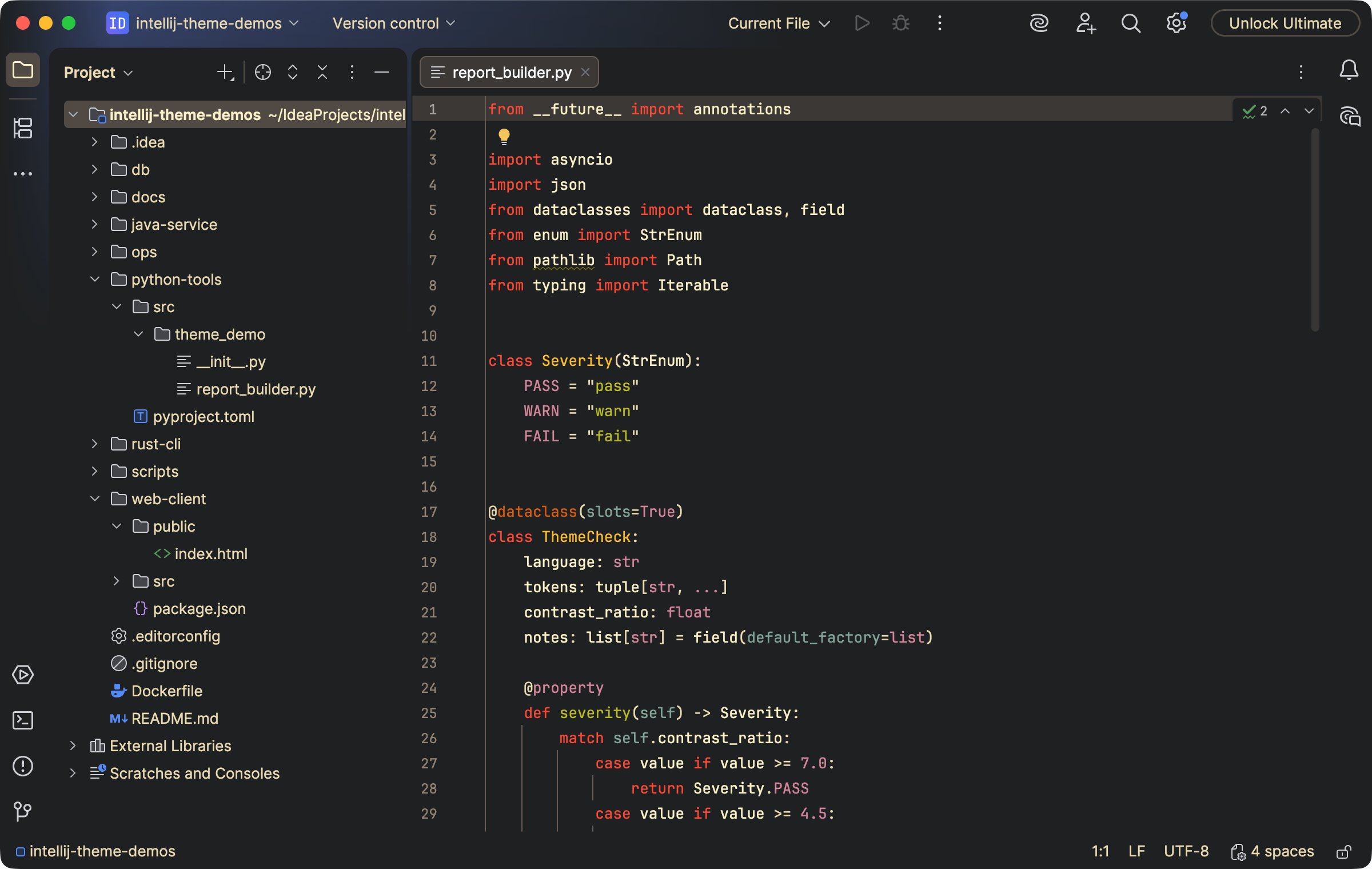
Gruvbox dark surfaces use warm syntax accents and muted comments. Select the image to view it at full size.
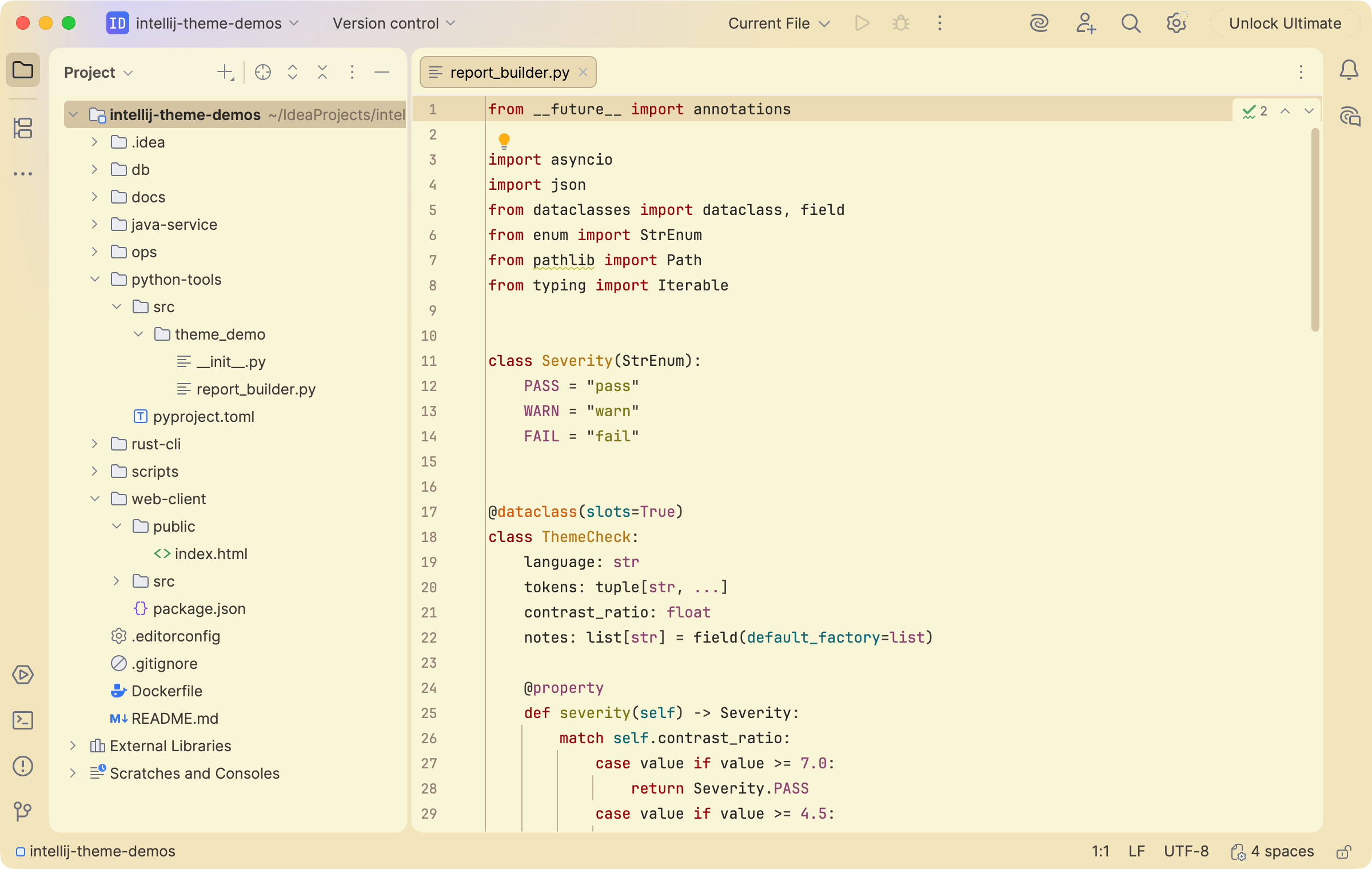
The light family uses a warm paper surface around the same source. Select the image to view it at full size.
Manual for version 2026.1.2 · Reviewed