Importing SQL, Prisma, and CSV
Review dialect conversion and type inference before adopting imported DBML.
Import SQL#
Choose DBML Import → Import to DBML… from a DBML editor. Select SQL DDL and the appropriate dialect, paste or provide the schema, and review the resulting model.
For example, this PostgreSQL-style input should describe two tables and a foreign key:
CREATE TABLE customers (
  id integer PRIMARY KEY,
  email varchar(320) NOT NULL UNIQUE
);
CREATE TABLE orders (
  id integer PRIMARY KEY,
  customer_id integer NOT NULL REFERENCES customers(id),
  total numeric(12,2) DEFAULT 0
);
Inspect primary/unique keys, nullability, defaults, relationship direction, and constraints. Support includes standalone indexes, comments, supported ALTER constraints, and an Oracle import option in the documented release. Read the report for skipped statements instead of treating a successful import as a claim of lossless conversion.
Import Prisma#
Select Prisma Schema in the import dialog. Review field mappings, defaults, composite keys, and relations in the generated DBML. A Prisma relation property and its backing foreign-key scalar are different concepts; check both rather than comparing field counts alone.
Infer a table from CSV#
Use CSV import to inspect delimiter detection, quoted/multiline cells, inferred types, and nullable values. A small data set can mislead inference:
id,postcode,total
1,00123,12.50
2,00456,
A postcode is an identifier and must retain leading zeroes. Override its inferred numeric type with an appropriate text type before accepting. Decide whether the blank total should imply nullability and whether sample rows should be retained.
Check the round trip#
Open the generated diagram and navigate its relationships, then export the intended SQL dialect or Prisma schema. Compare with the original, especially names, precision, defaults, referential actions, and unsupported statements. Use a separate generated file until the review is complete.
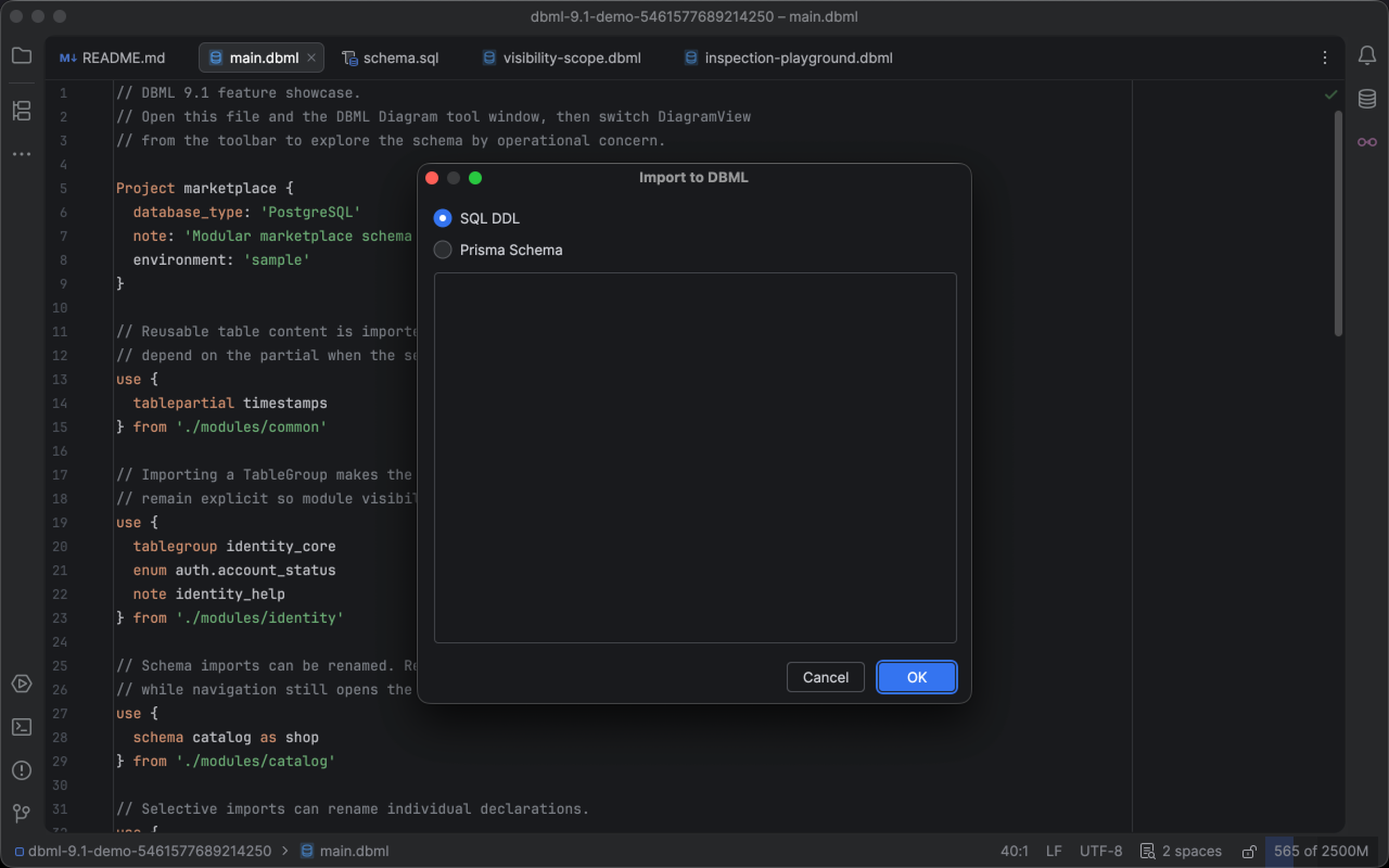
The import dialog accepts SQL DDL or a Prisma schema for conversion to DBML. Select the image to view it at full size.
Manual for version 2026.2.4 · Reviewed