Overview
What reStructuredText Pro provides, its requirements, and where to start.
On this page
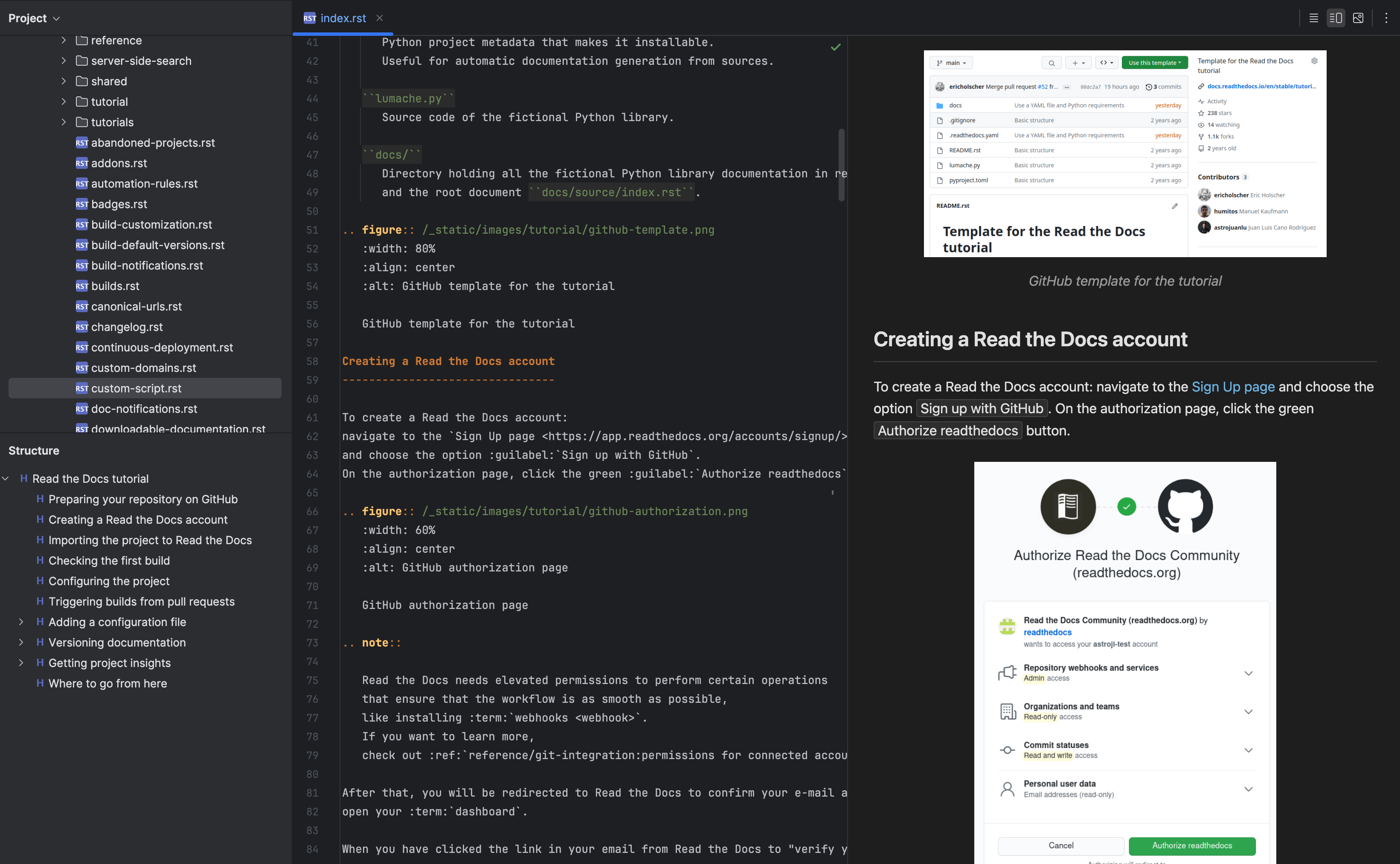
reStructuredText Pro supports RST and Sphinx authoring with a live preview, directives and roles, table tools, language injection, navigation, and document inspections.
Requirements#
IDE compatibility: IntelliJ IDEA 2026.2+. Check the Marketplace list for other editions and their supported versions.
The documented release is 2026.2.4. Its Marketplace compatibility starts at IntelliJ Platform build 262.0. Check the Marketplace compatibility list for your IDE edition and version before installing.
The built-in preview and basic editing work without Python. For project-accurate Sphinx rendering, install Sphinx and the extensions used by the project, and configure the sphinx-build executable. Use the published release’s Marketplace compatibility list for your IDE.
Start here#
Install reStructuredText Pro, then follow Editing and tables. The configuration reference explains where to adjust the behavior for your project.
In this manual#
- Editing and tables — Write sections, directives, references, and aligned RST tables.
- Sphinx and preview — Choose built-in rendering or your project’s Sphinx environment.
Feature guides#
Project intelligence#
- Sphinx projects and domain references — Connect labels, documents, and language-domain objects across a project.
Authoring#
- Tables, directives, and injected code — Edit aligned tables and context-aware directive options.
Rendering#
- Preview engines, extensions, and mathematics — Choose the fast built-in renderer or the project’s Sphinx environment.
Current limitations#
The built-in preview supports many Sphinx constructs but does not execute all project-specific Python extensions. Use the Sphinx engine and actual project build for extension-accurate output. Reference inspections may need the correct project root and domain context.
Release reference#
These instructions target the published 2026.2.4 release. Check the version under Settings → Plugins → Installed if your IDE behaves differently. For setup failures, start with troubleshooting.
Manual for version 2026.2.4 · Reviewed