Named routes and required parameters
Complete route targets and diagnose missing route arguments.
Define a discoverable route#
In an installed Vue Router project, add a named route through the application’s router configuration:
{
  path: '/users/:id',
  name: 'user-detail',
  component: () => import('./views/UserView.vue'),
}
Use that name from a component:
<RouterLink :to="{ name: 'user-detail', params: { id: '42' } }">
  User 42
</RouterLink>
Invoke completion in the name and navigate to its declaration. Go to Symbol can locate named routes as well as Vue component names.
Exercise the inspections#
Temporarily remove params or change the name to a nonexistent value. Review missing-required-parameter and unknown-route feedback, then restore the valid reference. A string interpolation constructing a name at runtime may not have a single static resolution target.
Rename and validate#
Inspect Find Usages before changing a named route. Review templates and script-based navigation, including dynamically constructed calls that may require a separate search. Run the app and navigate to a concrete route value after the change.
A missing target view can be an import/path issue rather than a route-name issue. Diagnose the component import and route declaration separately when only part of the chain resolves.
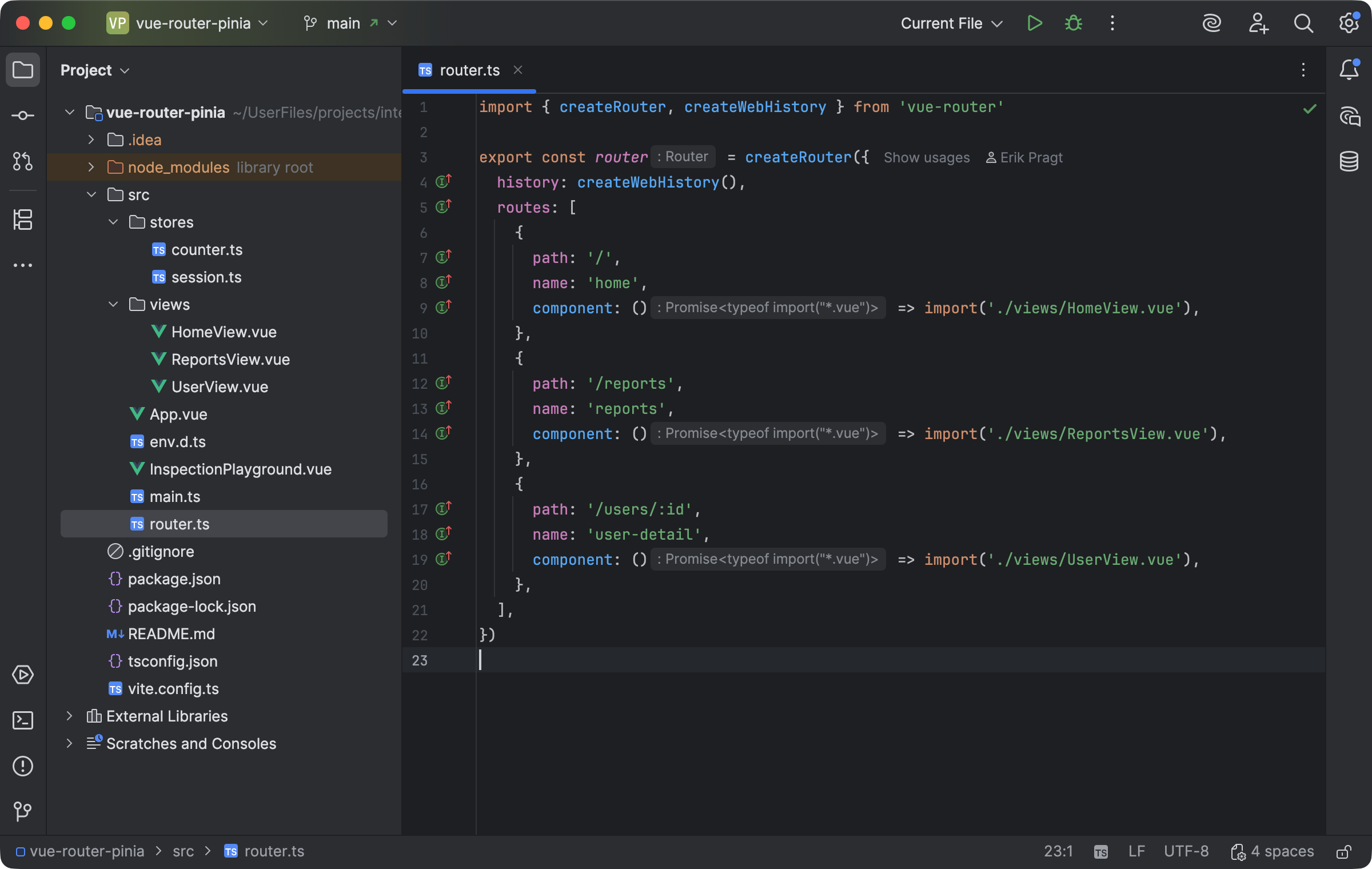
Named Vue Router declarations map route names and parameters to their views. Select the image to view it at full size.
Manual for version 2026.2.3 · Reviewed