Styles, web-types, and project generation
Connect SFC style intelligence to the installed project toolchain.
On this page
Use a script value in CSS#
In a supported SFC:
<script setup lang="ts">
const accent = '#237a72'
</script>
<style scoped>
button { color: v-bind(accent); }
</style>
Invoke completion/navigation for the referenced binding. CSS modules, custom properties, and injected SCSS/Less/Pug rely on the project’s context and host-IDE support. A style expression can resolve in the editor while the build still needs its configured preprocessor.
Discover library component APIs#
Installed components and web-types metadata contribute props/events/slot information. Check the package installation and metadata when a library component has fewer candidates than a local SFC. Do not create duplicate local props solely to satisfy missing dependency metadata.
Create a project from the official starter#
Use the Vue entry in New Project. Review choices such as TypeScript, Router, Pinia, tests, linters, formatting, package manager, and optional starter features. The displayed options belong to the current create-vue workflow; choose features your team intends to maintain.
Generated run configurations reflect package.json scripts. Run the starter before changing it. On generation failure, existing target content is preserved; inspect CLI output and destination state before retrying.
Resolve ownership conflicts#
Vue.js Pro replaces bundled JetBrains Vue.js handling for .vue files. Use its notification to disable the bundled plugin and restart when both are enabled. Competing file ownership can produce confusing completion/highlighting results unrelated to the component source.
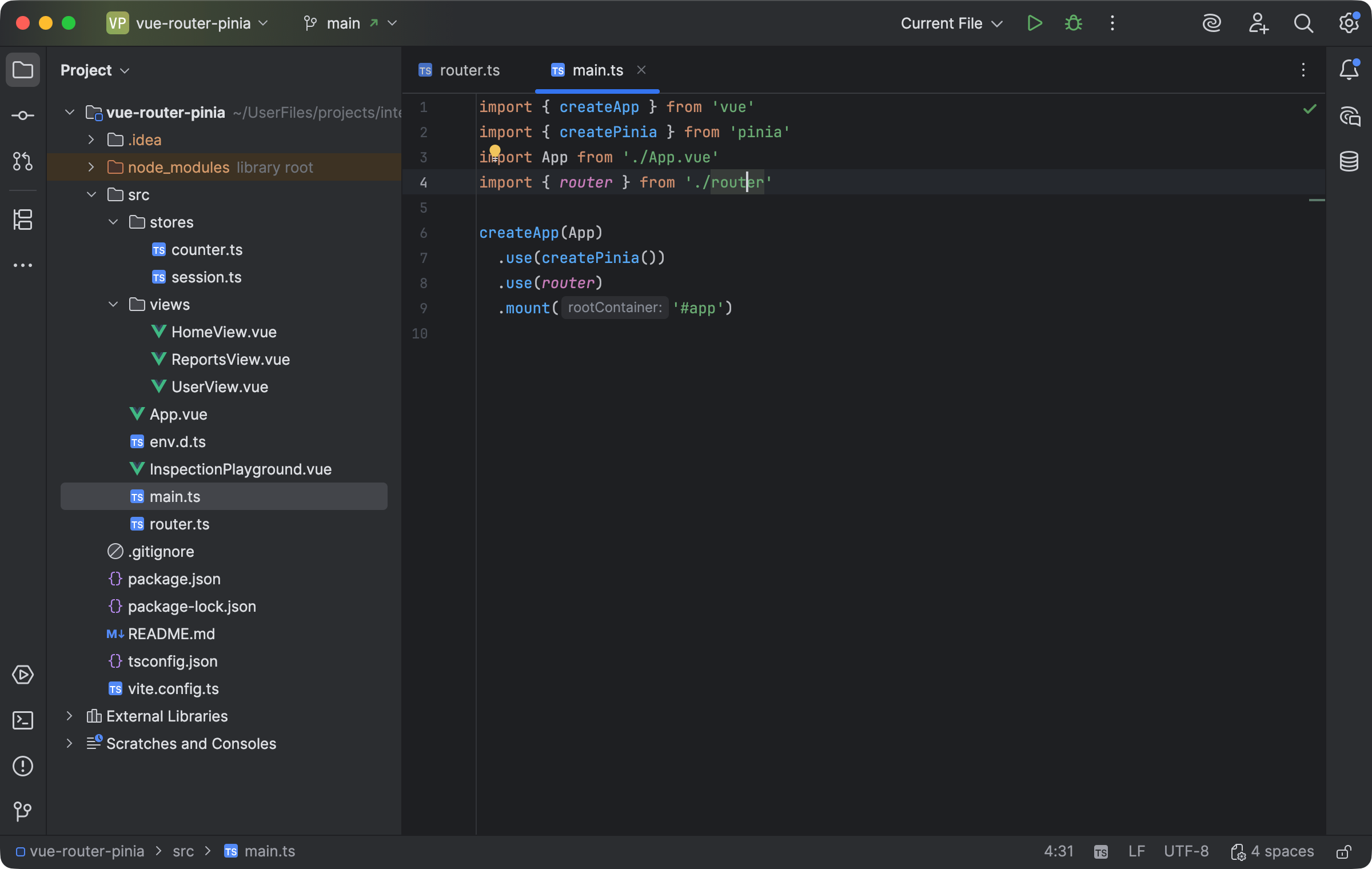
The application registers Pinia and Router before component code uses their runtime APIs. Select the image to view it at full size.
Manual for version 2026.2.3 · Reviewed