Attributes, includes, and cross-references
Compose a multi-file manual and navigate its reusable content.
On this page
Create an entry document#
Create index.adoc and a sibling chapters/start.adoc:
= Operations manual
:product-name: Example Service
:imagesdir: images

Welcome to {product-name}.

include::chapters/start.adoc[]
In the chapter:
[[first-run]]
== First run

Start {product-name}, then check its status.
Invoke attribute completion inside {...}, include-path completion after include::, and cross-reference completion in xref:first-run[]. Use Go to Declaration on the reference/path to confirm its target.
Resolve paths deliberately#
Source-relative includes are resolved before configured project-root fallback behavior. Configure the root/relative-path options when the manual is nested in a larger repository. imagesdir affects image lookup separately; a working include does not prove an image path is correct.
Use a preview-safe mode appropriate to the project. Secure mode blocks local file access and can explain an include that exists but does not render. Check preview and extension settings before changing file paths to work around a security-mode restriction.
Refactor reusable content#
Use Extract to include file on selected content, inspect the generated path, and review the replacement directive. Inline include performs the reverse operation. Attribute extraction/inlining similarly changes a value and its reference representation.
Rename labels/attributes through the supported refactoring so resolved usages are reviewed together. Move or rename included files through IDE refactoring, then check dependent include paths.
Diagnose a broken reference#
Inspect label spelling, duplicate IDs, document context, and path/root selection. A missing include quick fix can create a file, but it cannot reconstruct content that should have come from another repository or Antora component. Fix the source dependency rather than filling a missing file with placeholder text.
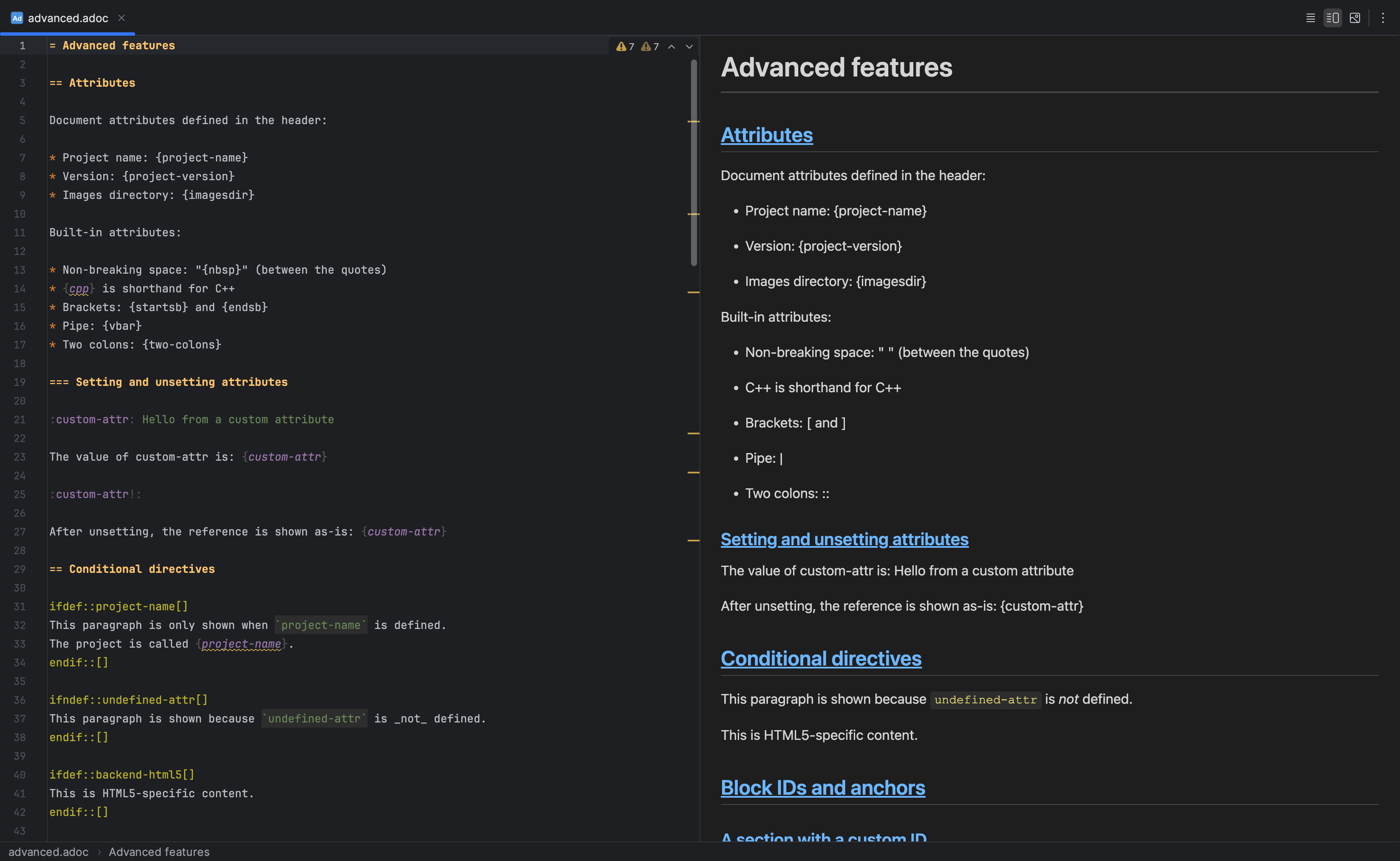
Attributes and conditional document content are visible alongside the live preview. Select the image to view it at full size.
Manual for version 2026.2.19 · Reviewed