Mojo syntax, imports, and navigation
Edit a small module and resolve symbols without confusing SDK versions.
On this page
Start with the supported syntax model#
The documented plugin targets Mojo 1.1.0 and supports existing SDKs from 1.0.0b1. Use current def syntax rather than copying legacy fn examples:
def total(price: Int, quantity: Int) -> Int:
    return price * quantity

def main():
    print(total(125, 3))
Open the file and inspect Structure view, parameter information, and Go to Declaration on total. Native parsing/navigation do not require a running language server, while compiler semantics still depend on the selected SDK.
Resolve an import#
Place a public helper in another indexed project module and refer to it without importing it. Invoke Alt+Enter on the unresolved name. Choose the actual module from the offered fixes; ambiguous names provide a choice rather than importing an arbitrary candidate.
Standard-library fixes need discoverable stdlib sources from the SDK, cache, or configured Stdlib source path. A genuinely unknown symbol intentionally has no fabricated import fix. Check the resulting import and navigate it before running the program.
Keep modern constructs version-aware#
Mojo 1.1 includes contextually inferred member references and updated standard-library vocabulary. A tolerant parser accepting selected older forms does not mean an incompatible SDK can compile current code. Check compatibility warnings when language-server errors disagree with native highlighting.
Review inspections and refactoring#
Use Find Usages, Rename, Move File, and Safe Delete for supported declarations. Inspect unused bindings/imports and static/instance-call warnings in context. Run the actual compiler after the change; syntax acceptance cannot establish ownership, trait, or runtime correctness.
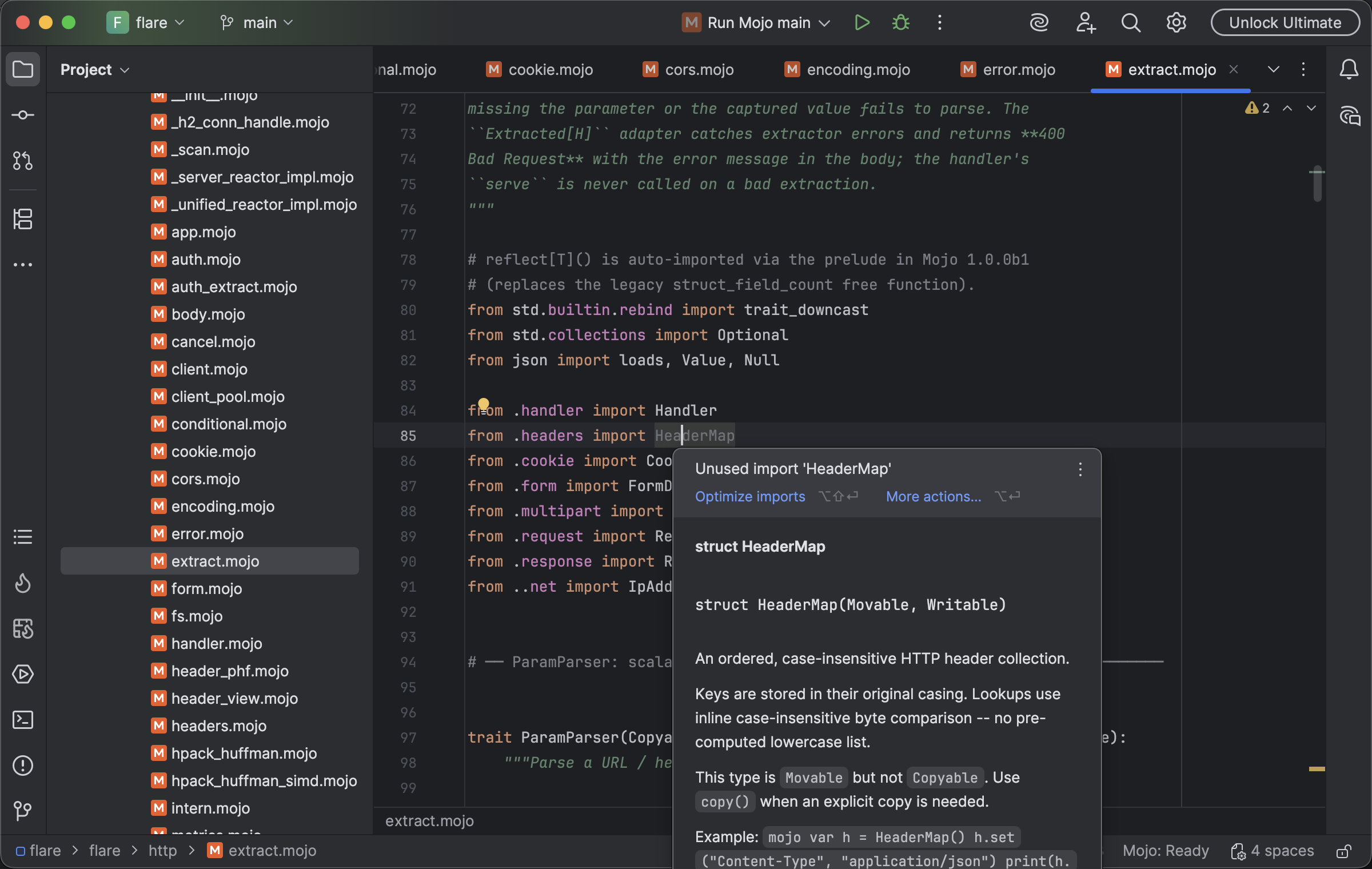
Mojo source navigation and quick documentation explain referenced types and imports. Select the image to view it at full size.
Manual for version 2026.1.12 · Reviewed