Flake outputs and reusable run configurations
Inspect the exact installable before building, running, or entering a shell.
On this page
Select the flake root#
Open Tools → Nix → Flake Explorer or Nix Flakes. In a repository with nested flakes, select the intended one rather than assuming the root package owns every output. Discovery reads outputs using nix flake show --json --no-write-lock-file.
Inspect an output’s system and installable. A package available for x86_64-linux is not automatically available for aarch64-darwin.
Use the matching action#
| Output or task | Intended operation |
|---|---|
| Package | Build the selected installable |
| App | Run its declared entry point |
| Development shell | Enter its development environment |
| Check | Build/run the declared check through Nix |
| Whole flake | Check Flake for that root |
Actions create ordinary IDE run configurations. Inspect the generated command, working directory, environment, and installable before reusing it.
Validate environment behavior#
For a dev shell, compare available tools inside the launched environment with tools seen by the desktop IDE. Entering a shell does not rewrite the parent IDE process’s PATH. Configure executable paths explicitly when a language server should run outside that shell.
Devenv language-server selection and optional development-environment injection are separate settings. Enable only the integration the project actually uses and inspect the resulting run configuration.
Handle evaluation failures#
Read Nix’s error output, check enabled flake support, input availability, lock state, and selected system. Do not repeatedly recreate run configurations when the same nix flake show or build fails outside the IDE.
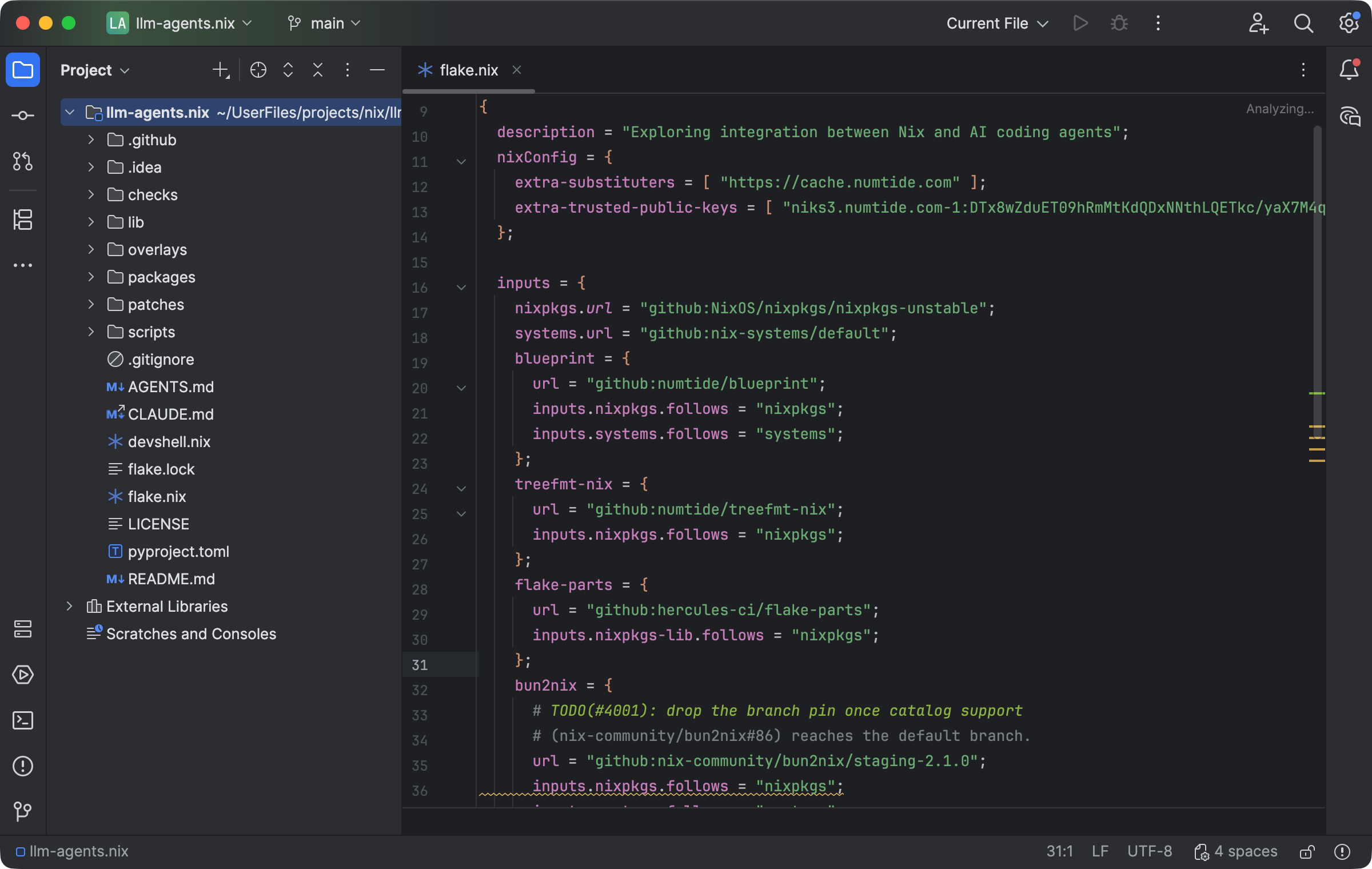
The editor keeps flake inputs and project structure visible while configuring the Nix workflow. Select the image to view it at full size.
Manual for version 2026.1.11 · Reviewed