Server functions and generated helpers
Inspect server boundaries and review newly generated route/query code.
On this page
Inspect a server function#
In a compatible TanStack Start app, a small server function can look like:
import { createServerFn } from '@tanstack/react-start'

export const loadStats = createServerFn({ method: 'GET' })
  .handler(async () => ({ speakers: 12, sessions: 24 }))
Open the Server panel to locate recognized server functions, server routes, and middleware-style blocks. Navigate to source and inspect callers. The exact supported API belongs to your installed Start version; preserve the project’s existing pattern when using generated code.
Check client/server boundaries#
Review warnings about recognized server-only usage in client contexts. A server function does not automatically validate user input or authorize an operation. Keep those application contracts explicit and test them through the real framework build.
Generate a helper#
Tool-window actions can create child routes, route files, server functions, and query-options factories. Select the intended app and directory first. Inspect the proposed name, imports, file content, and generated-route status before writing application logic.
When using a query-options factory, include the parameters on which query data depends in its key. When adding a server function, choose a method appropriate to its actual behavior rather than accepting a placeholder blindly.
Validate the app#
Run route generation if the project requires it, then its type-check, tests, and production build. Detection of a wider TanStack package family provides project context and official links; it does not promise identical specialized editing support for every package in that family.
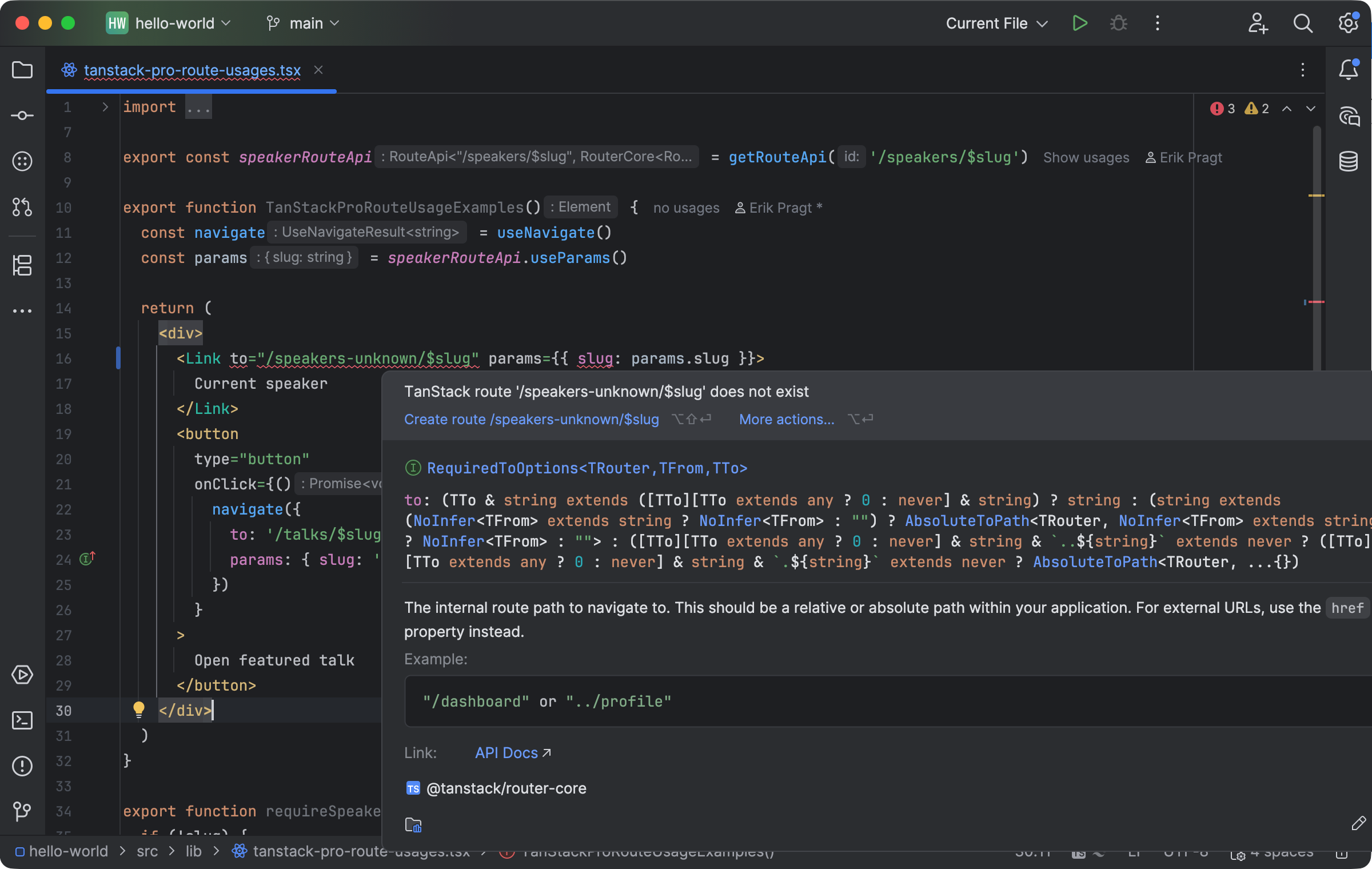
A nonexistent route is reported at the usage site with contextual documentation. Select the image to view it at full size.
Manual for version 2026.1.4 · Reviewed