Marko Run route workflows
Navigate page/layout relationships and run the correct application route.
On this page
Inspect the route tree#
Open a Marko Run app and locate its route tree. Files such as +page.marko and +layout.marko serve different roles. Related-file navigation connects files for the same route; browser gutter actions on pages use the configured application base URL.
A simplified structure is:
src/routes/
  +layout.marko
  +page.marko
  about/
    +page.marko
Set the route root and development URL under Settings → Languages & Frameworks → Marko Run. Start the app before following a browser action; the gutter does not make a server available by itself.
Complete internal links#
Use route-aware completion in an <a href="..."> value and navigate back to the corresponding route. Check the effective route when renaming a page or moving directories. A file path and a browser URL need not have the same spelling.
Create and run a project#
The New Project wizard offers official Marko Run starters/templates. Review destination and starter choices, install its dependencies, and use generated dev, build, or preview configurations. Compare the unmodified starter’s behavior before adding custom route configuration.
Validate a route change#
Open the page from the route tree, follow its related layout, change a small heading, and inspect the running route. Run the production build after moving route files. If the browser opens another app on the same port, correct the base URL rather than changing component imports.
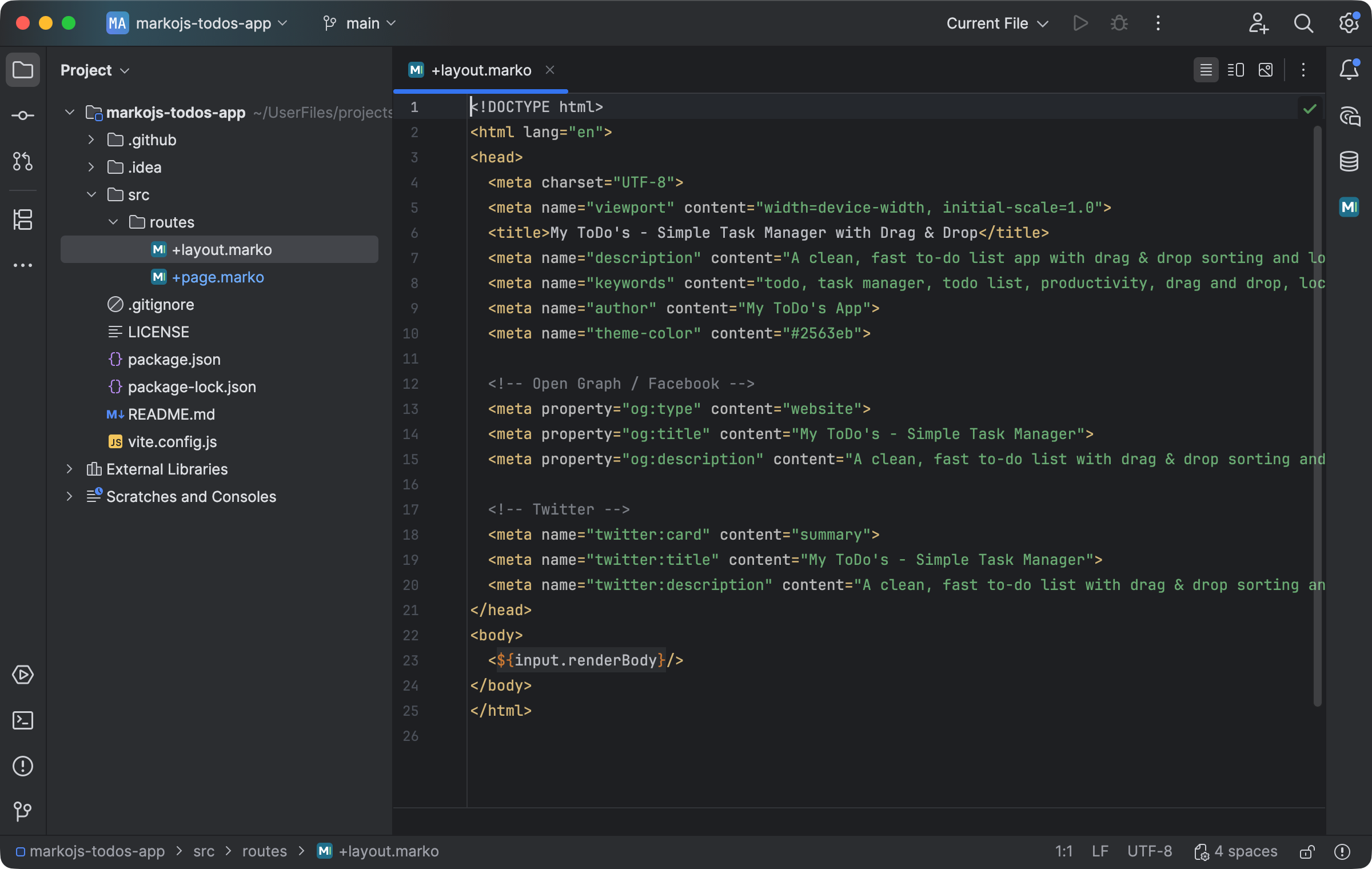
A Marko Run layout renders the body supplied by its child route. Select the image to view it at full size.
Manual for version 2026.1.3 · Reviewed