Effective routes, named views, and layouts
Navigate route groups, path overrides, optional params, and named page views.
Read the effective route#
A Nuxt file path is not always its public route. A route-group directory such as (marketing) does not add that segment to the URL. A static page override can define another shape:
<script setup lang="ts">
definePageMeta({ path: '/articles/:slug/:section?' })
</script>
<template><h1>Article</h1></template>
Inspect the page gutter and Page Routes table for the effective path and optional parameter. Navigate a recognized /articles/example/intro reference back to that page.
Use named page views#
Nuxt 4.5 pages such as child@sidebar.vue share the page route and supply a named view. Ctrl/Cmd-click <NuxtPage name="sidebar"> to inspect the matching named child. The suffix is not an extra literal URL segment.
Resolve layouts#
Completion/navigation recognizes supported static layout names in definePageMeta, setPageLayout, routeRules.appLayout, and NuxtLayout. Candidates come from the project’s layout files, including normalized names where appropriate.
Refactor a page#
Rename a page through the IDE and review the text-occurrence preview. Inspect NuxtLink, navigation calls, router pushes, and fetch references that share its route. Dynamic strings can require manual review even when static references update.
For a missing link, first confirm the effective route and page root. Creating another page with the literal URL’s spelling can produce a duplicate route rather than fix a route-group or metadata-resolution problem.
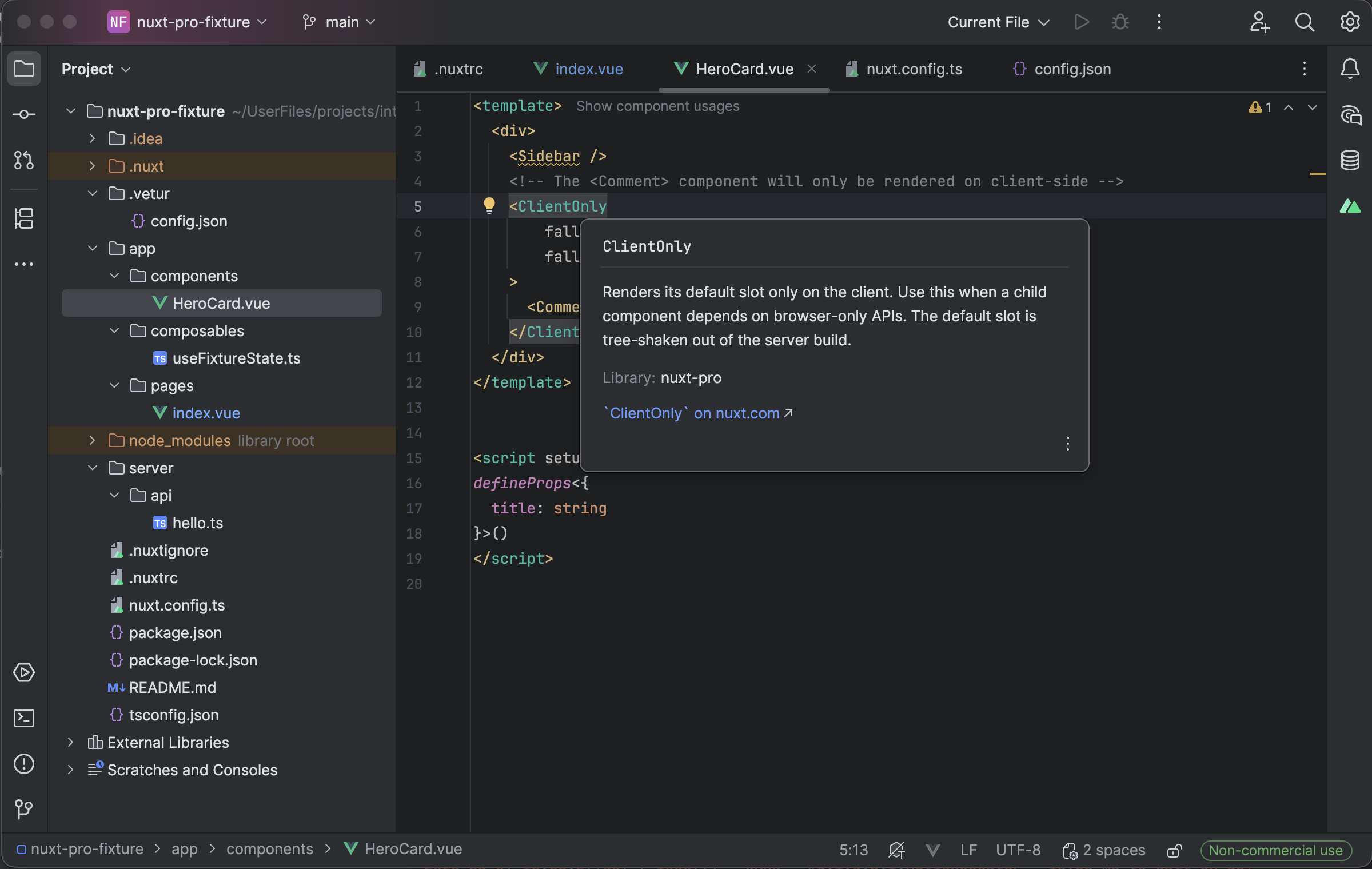
Nuxt component documentation appears in the SFC editing context. Select the image to view it at full size.
Manual for version 2026.1.3 · Reviewed