Completion, navigation, and documentation
Follow aliases, arities, types, and compiled dependency declarations.
On this page
Complete within a lexical context#
Consider two functions with the same spelling but different arities:
defmodule Catalog do
  @type product_id :: pos_integer()
  def fetch(id), do: {:ok, %{id: id}}
  def fetch(id, options), do: {id, options}
end

defmodule Checkout do
  alias Catalog, as: Products
  def item(id), do: Products.fetch(id)
end
Invoke completion after Products.. Navigate from fetch(id) to the one-argument definition. Find Usages or Rename on fetch/1 should be reviewed separately from fetch/2; function identity includes arity.
Completion covers aliases/modules, functions and macros, module attributes, parameters, and variables. Keep source roots and the selected SDK correct so module candidates come from the intended project and dependencies.
Navigate beyond the current file#
Use Go to Declaration, Go to Symbol, Find Usages, Go to Test, and Go to Test Subject. Literal MFA tuples such as {Catalog, :fetch, 1} can participate in supported reference analysis. Dynamically computed module/function names may not have a single static target.
Dependency declarations can be reconstructed from .beam files in the SDK and _build. Decompiled heads support completion and navigation, but do not recreate the original implementation body or comments. Use dependency source or HexDocs when you need the complete implementation contract.
Read documentation at the call site#
Invoke Quick Documentation on a module, function, or type. Specs and module/function docs help you distinguish overloads without opening the declaring file. Direct HexDocs links are useful for the installed library’s public API; confirm the library version when comparing external documentation.
Inspect structure#
Use Structure view for modules and definitions, and breadcrumbs for the current nesting context. Fold large documentation or function bodies when scanning a file. These views are especially useful in files with multiple clauses that should remain one conceptual function during a refactor.
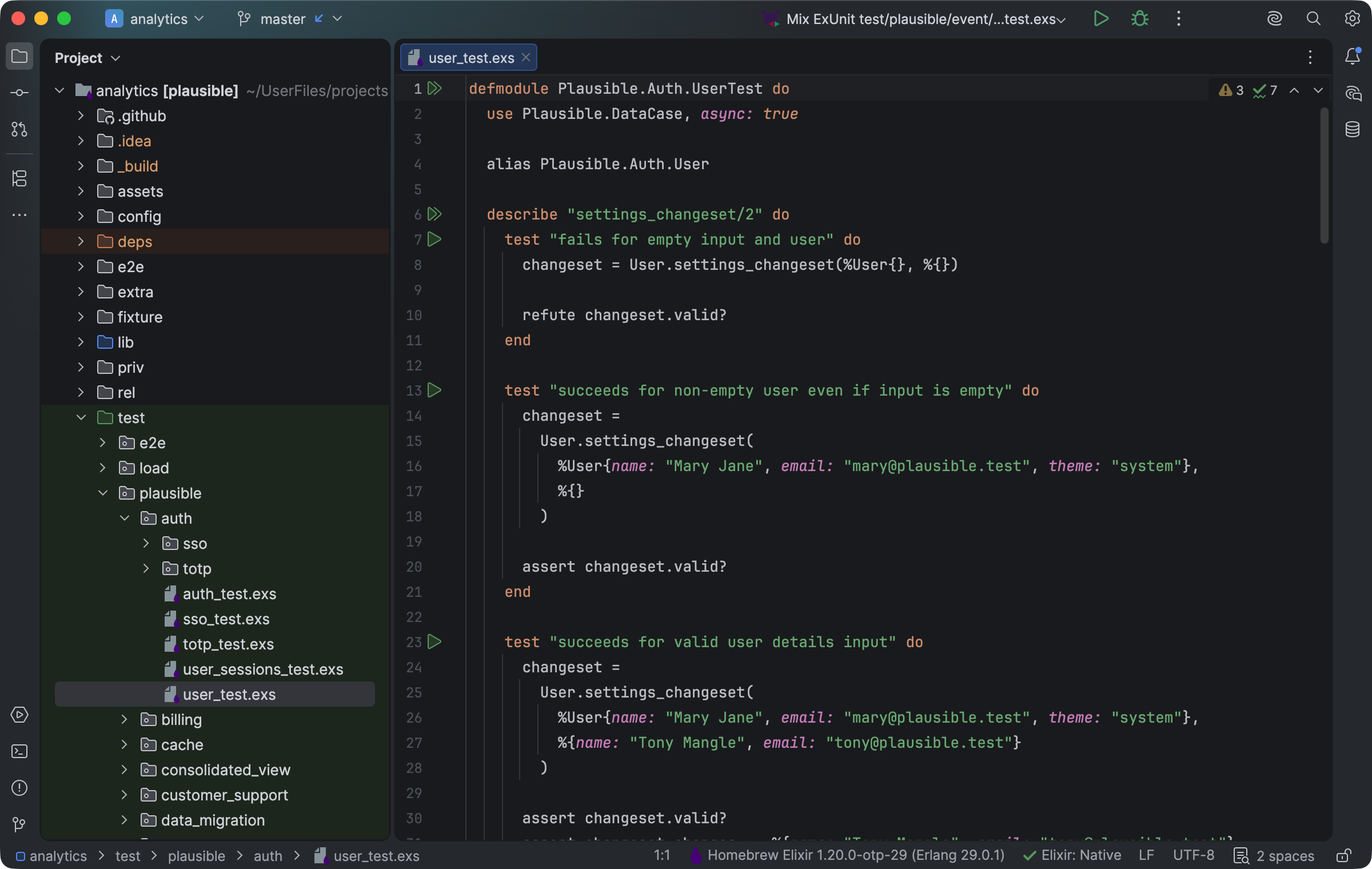
The project tree, source, and test files stay navigable within a Mix workspace. Select the image to view it at full size.
Manual for version 2026.1.15 · Reviewed