A Mix project walkthrough
Navigate, test, refactor, and debug the same small application.
Open a dependency-free workshop#
Download the order workshop, extract it, and open the directory containing mix.exs. Configure an Elixir SDK and its matching Erlang/OTP runtime. The project needs no Hex dependencies or services, so it is useful for checking the IDE setup separately from a larger application’s environment.
Open lib/order_workshop.ex:
defmodule OrderWorkshop do
  @type cents :: non_neg_integer()
  @spec total(cents(), non_neg_integer()) :: cents()
  def total(unit_price, quantity) do
    subtotal = unit_price * quantity
    subtotal
  end
end
Follow a call#
Open lib/order_workshop/checkout.ex and navigate from Pricing.total to total/2. Pricing is an alias for OrderWorkshop; navigation should follow that binding. Find Usages on the function should include the call in Checkout.
Use Quick Documentation on total to inspect its spec. Structure view provides a concise module/function outline for larger files.
Run the tests#
Open test/order_workshop_test.exs and run its test gutter action. Both tests should pass: three items at 125 cents yield 375, and zero items yield zero. Results should appear in the native test tree rather than only as console text.
For a deliberate failure, change the first expected value to 376, rerun, and follow the failure back to the assertion. Undo that change before continuing.
Rename and debug#
Rename total to line_total through the IDE. Inspect the definition, spec, and caller in the preview, apply, and rerun the tests. Undo to restore the workshop.
Set a breakpoint on the subtotal assignment, then debug the multi-item test. Inspect unit_price, quantity, and subtotal as you step. If the breakpoint does not bind, use Debugger configuration to check module interpretation and build identity.
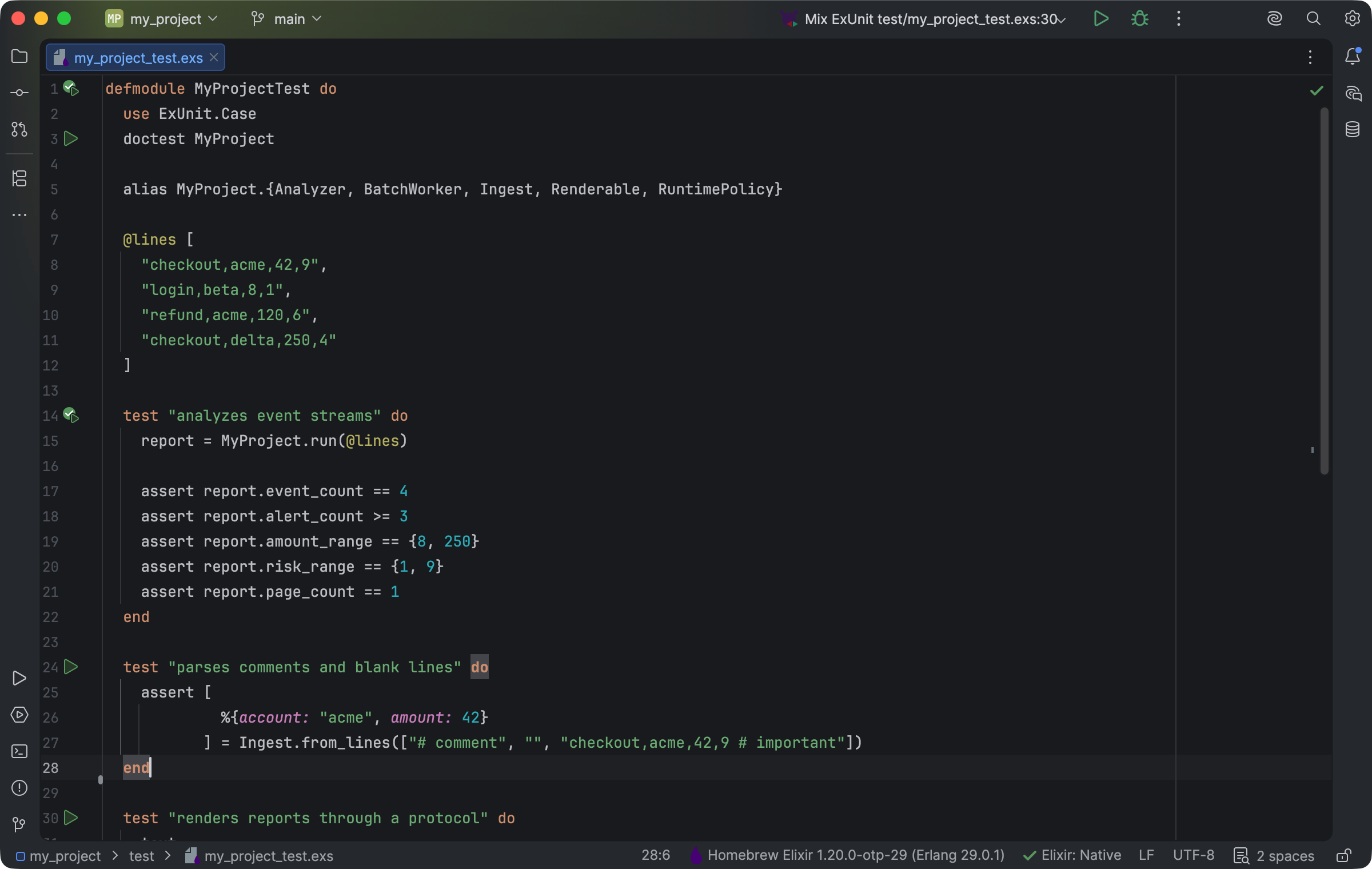
An ExUnit test file with gutter execution actions and an active Elixir SDK. Select the image to view it at full size.
Manual for version 2026.1.15 · Reviewed