SDKs, Mix roots, and umbrellas
Choose the right Elixir/Erlang pair and understand project source roots.
On this page
Elixir needs an Erlang runtime#
An Elixir SDK records its own home and an associated internal Erlang SDK. A working elixir executable on your shell’s path is not enough if the IDE selected a different OTP installation.
Use Tools → Elixir → Auto-Detect Elixir SDKs for common installed toolchains, or Configure Elixir SDKs to select them explicitly. Install Elixir and Erlang/OTP SDKs… offers managed setup. Review the chosen versions and destination before installing.
Compare the environment with:
elixir --version
mix --version
Run these commands using the environment you intend the IDE to use. They reveal the Elixir build and runtime; inspect the selected SDK when the terminal and IDE disagree.
Select the SDK in your IDE edition#
In IDEs exposing File → Project Structure, select the project/module Elixir SDK and its internal Erlang SDK. Smaller IDEs expose Elixir SDKs and facet/module configuration through Elixir settings. The SDK status widget provides a quick route to configuration and refresh actions.
After changing an installation outside the IDE, use Refresh Active Elixir SDK or Refresh All Elixir SDKs. If a module was imported before the SDK was configured, use Reconfigure Elixir Module Setup and inspect the resulting roots.
Open the right Mix root#
For one application, open the folder containing its mix.exs. For an umbrella, open the parent containing the umbrella manifest and apps/ children:
workspace/
  mix.exs
  apps/
    catalog/mix.exs
    checkout/mix.exs
Run configurations must select the intended working directory. A command from apps/checkout can behave differently from the same task at the umbrella root. Inspect source roots, dependencies, and generated _build libraries before assuming unresolved modules are a parser problem.
Desktop launchers and version managers#
A desktop-launched IDE may not inherit asdf/mise/Nix shell setup. Prefer an explicitly detected SDK when diagnosing this mismatch. Reopening a terminal inside the IDE does not necessarily change the already-running IDE process’s environment.
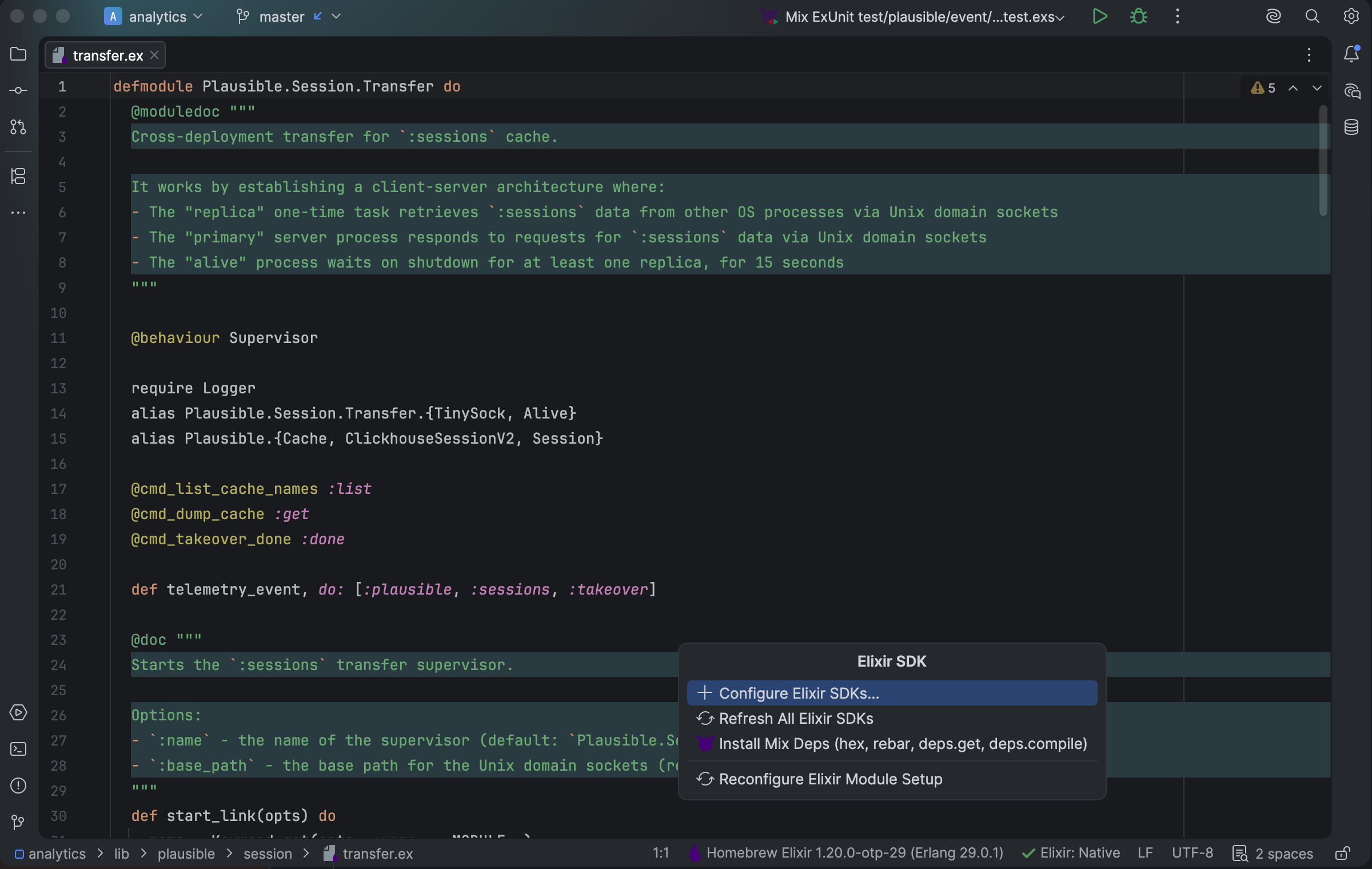
The Elixir SDK widget exposes configuration, refresh, dependency setup, and module setup actions. Select the image to view it at full size.
Manual for version 2026.1.15 · Reviewed