AI editing and sketches
Prepare a visual instruction and compare generated output with the source.
On this page
Configure a provider#
Open the plugin’s AI settings and configure the supported OpenAI or Gemini provider with its required credentials/model options. The provider performs the image request; plugin installation alone does not supply a provider account or usage allowance.
Start with a copy of the image you intend to edit. Keep an original available so you can compare the result and recover details that a generated edit changes.
Make the instruction concrete#
Select the appropriate AI editing workflow and describe the desired visual change. For example:
Replace the plain background with a pale blue gradient.
Keep the central object and its proportions unchanged.
If using a sketch/annotation as guidance, distinguish the guiding marks from content that should remain in the final image. The editor can combine a reference image and drawing to communicate placement, but a generated result still needs inspection.
Review the output#
Compare the generated image with the source. Check shapes, text, small UI labels, and any area the instruction asked to preserve. Image generation can alter details beyond the intended region, especially exact text and interface controls.
Use the regular selection, drawing, crop, and styling tools to finish the composition. For exact UI documentation, base instructional screenshots on the real application and keep AI illustrations clearly separate from evidence of a feature’s actual appearance.
Save the chosen version#
Retain the useful editable composition, then export a separate final image. Record the prompt or workflow context when another person may need to repeat the result. A failed provider request should be diagnosed through the provider/model configuration and response rather than by repeatedly modifying the sketch.
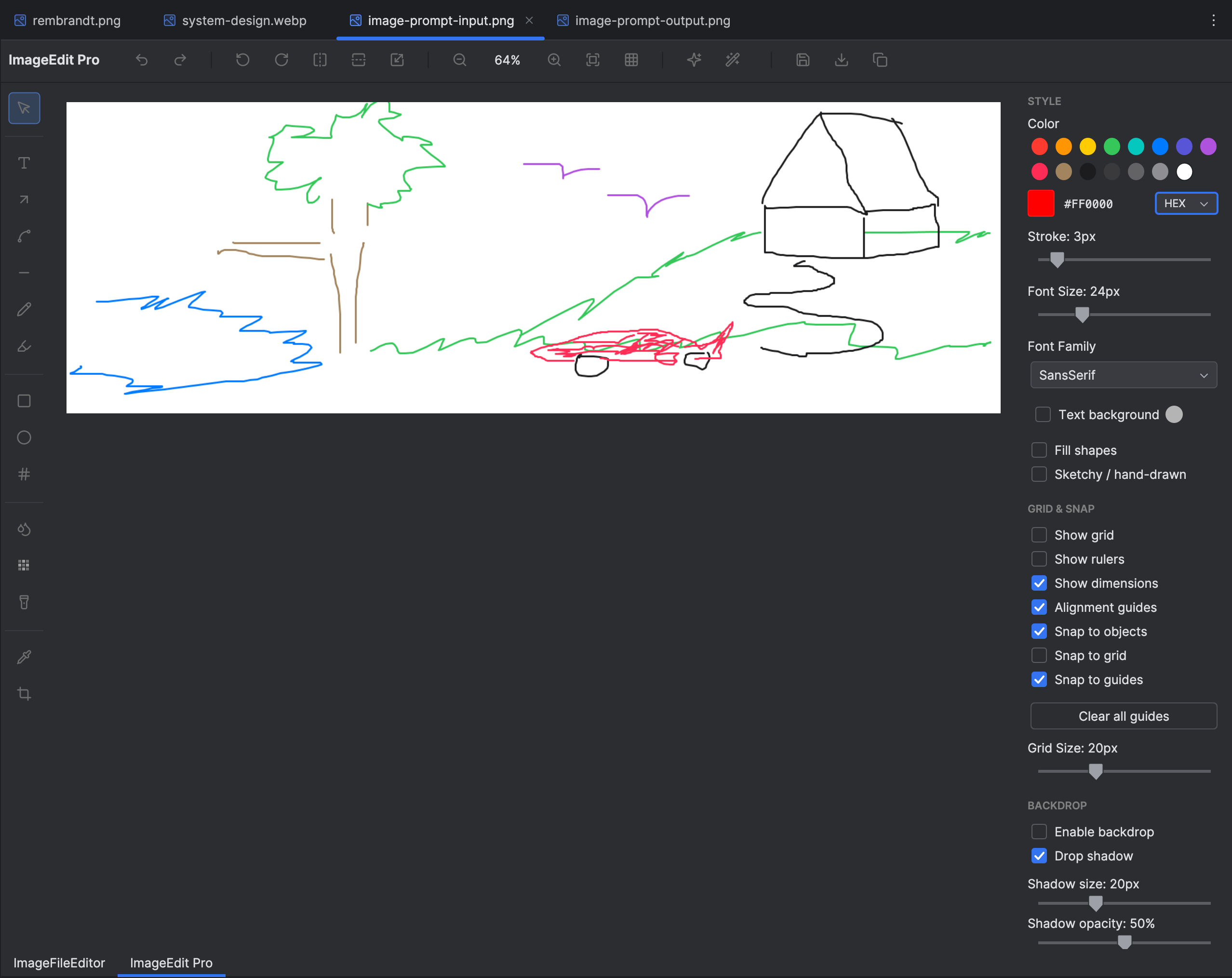
A freehand sketch can communicate the composition intended for an image-editing workflow. Select the image to view it at full size.
Manual for version 2026.1.2 · Reviewed