Overview
What ImageEdit Pro provides, its requirements, and where to start.
On this page
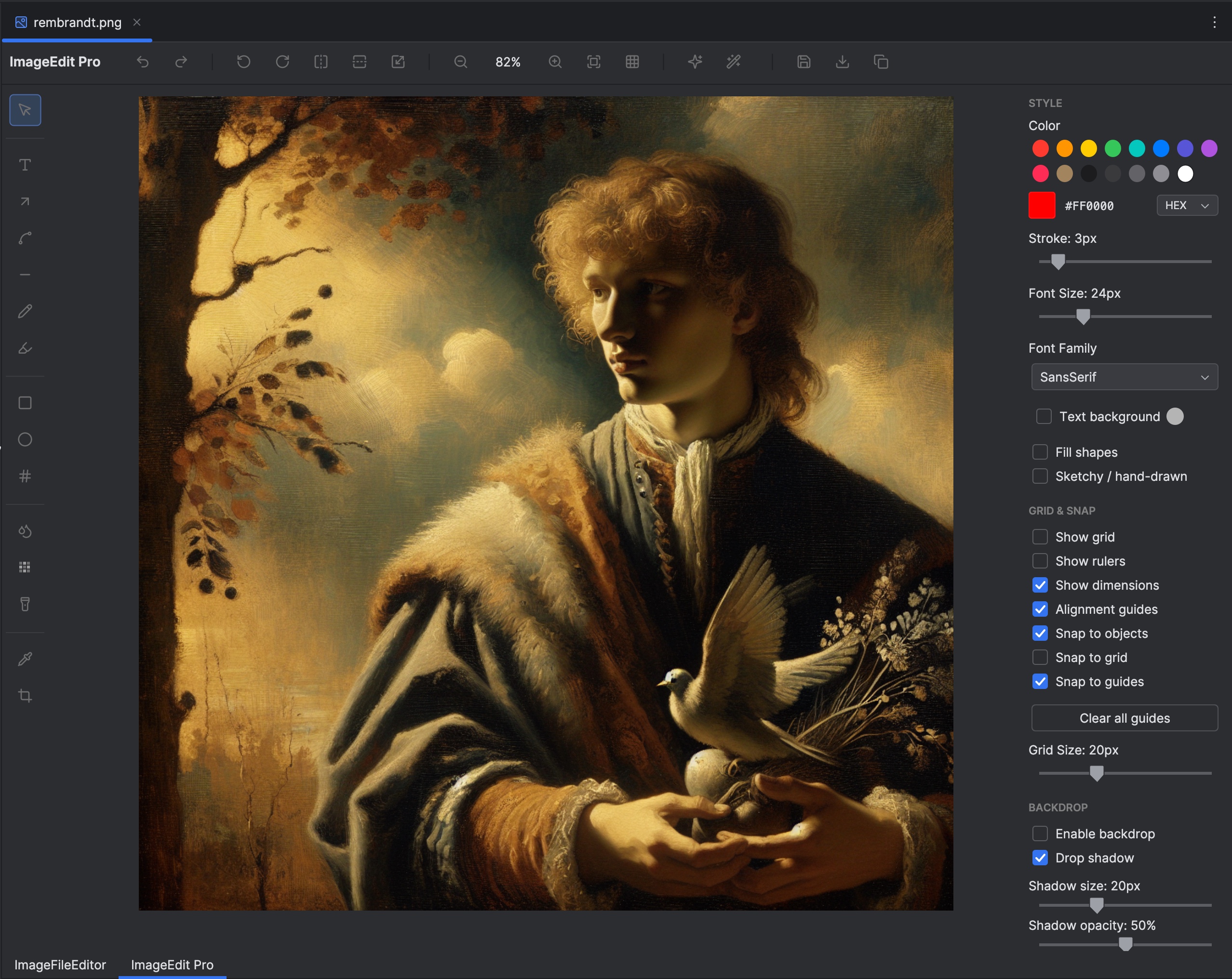
ImageEdit Pro creates annotated screenshots and documentation images inside the IDE. It includes shapes, arrows, labels, drawing, privacy tools, image operations, backdrops, guides, structured layers, and editable project files.
Requirements#
IDE compatibility: IntelliJ IDEA 2026.1+. Check the Marketplace list for other editions and their supported versions.
The documented release is 2026.1.2. Its Marketplace compatibility starts at IntelliJ Platform build 261.0. Check the Marketplace compatibility list for your IDE edition and version before installing.
Open a supported raster image in the IDE. PNG and JPEG provide a simple starting point. Some formats need native codecs: HEIC/HEIF/AVIF use libheif, JXL uses libjxl, and WebP uses libwebp. Missing-codec messages provide installation guidance; the plugin does not run a package manager itself.
Start here#
Install ImageEdit Pro, then follow Annotating images. The configuration reference explains where to adjust the behavior for your project.
In this manual#
- Annotating images — Create clear screenshots with labels, arrows, and aligned layers.
- Privacy, saving, and export — Keep editable work and produce the right deliverable.
- Creating images with AI — Configure an external provider and generate an image from a prompt.
Feature guides#
Editing workflows#
- Annotate a screenshot step by step — Combine arrows, numbered steps, text, and privacy tools in one editable image.
- Layers, alignment, and backdrops — Organize objects and create a consistent presentation frame.
- AI editing and sketches — Prepare a visual instruction and compare generated output with the source.
Outputs#
- Export regions and formats — Keep editable work and create a flattened PNG, JPEG, WebP, or SVG wrapper.
Current limitations#
Not every supported input format supports saving back to its original format. SVG export and raster export have different semantics. Editable source projects retain original content and annotations, so inspect the flattened/exported deliverable when sharing a redacted image.
Release reference#
These instructions target the published 2026.1.2 release. Check the version under Settings → Plugins → Installed if your IDE behaves differently. For setup failures, start with troubleshooting.
Manual for version 2026.1.2 · Reviewed