Multi-file documents and root paths
Pin a main file and resolve includes from a deliberate Typst root.
On this page
Download a small book#
Use the Typst book example. It has one entry point, two chapters, and a shared template:
book.typ
chapters/
  intro.typ
  results.typ
shared/
  template.typ
Open the extracted directory as a project. Open book.typ and use Pin as Main File. Continue editing a chapter while the preview compiles the entry point with its imports and document settings.
Set the root when needed#
The chapters import the shared helper using a root-relative Typst path:
#import "/shared/template.typ": chapterThe main file includes the chapters:
#include "/chapters/intro.typ"These start at the Typst root path, not at the operating system’s /. In Settings → Tools → Typst, leave the root empty when the project root is correct. For a book nested inside a larger workspace, set it to that book’s directory, using an absolute path or the supported ${workspaceFolder} form.
A wrong root commonly produces file not found for a file that visibly exists elsewhere in the project. Check the resolved root and path instead of rewriting all imports to machine-specific absolute paths.
Understand chapter context#
Each Typst file has its own variable scope. A chapter must import the helper it uses; #include does not pass its caller’s local bindings into the included file. The example chapters each import chapter from the shared template.
Pin the main file to preview the whole book, including its document settings, outline, and all chapters, while editing one chapter. A standalone chapter preview does not represent that complete document.
Follow include/import paths with navigation and use Rename/Find Usages on supported symbols. Check the main document after moving a chapter or shared template.
Configure fonts separately#
Add project font directories in the font-path settings when a document uses non-system fonts. File roots control document path resolution; font search paths control font discovery. Keep both settings reproducible for another developer or CI build.
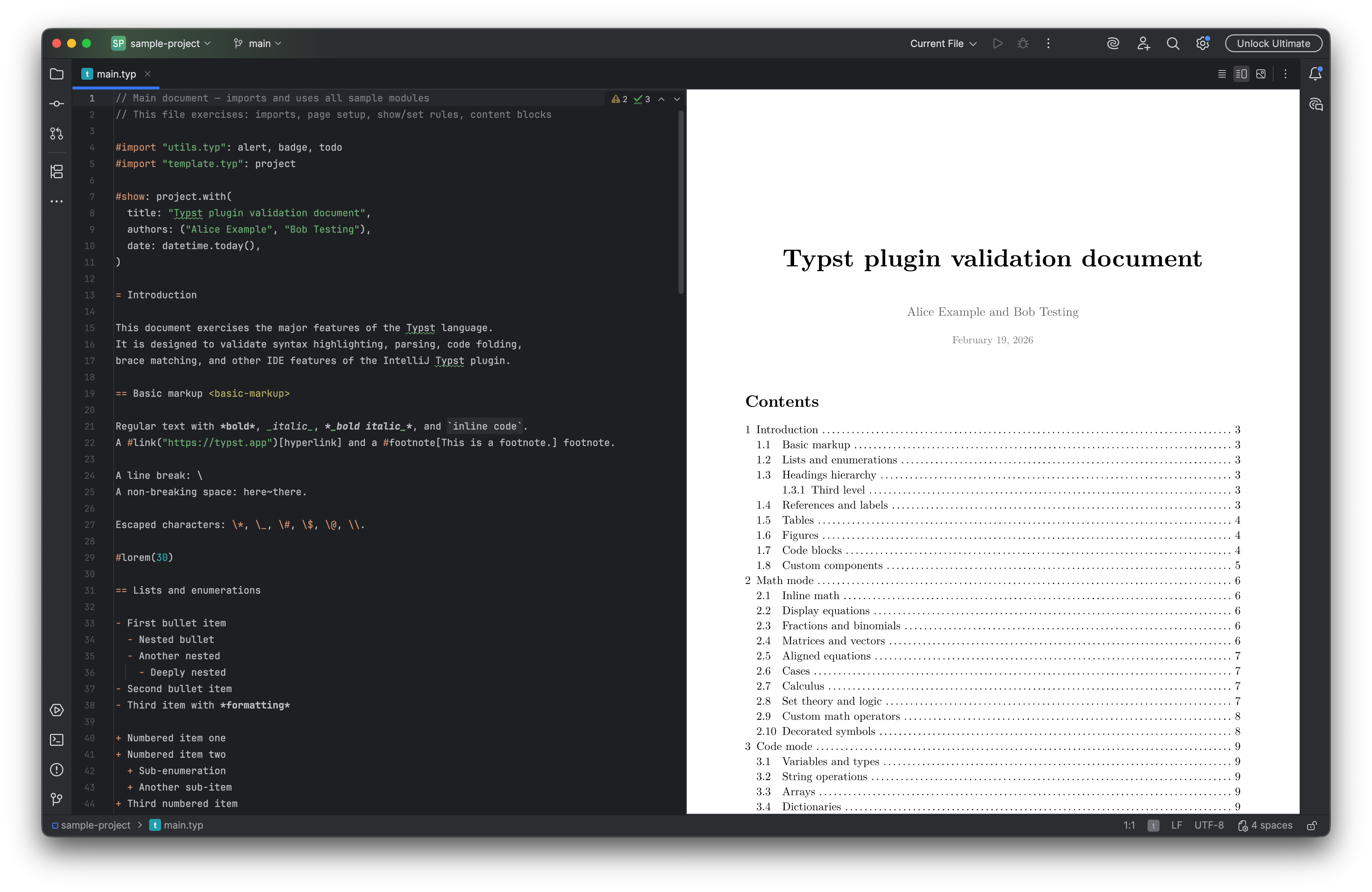
A multi-page Typst document is rendered beside its source. Select the image to view it at full size.
Manual for version 2026.2.11 · Reviewed