Overview
What Scribe Pro provides, its requirements, and where to start.
On this page
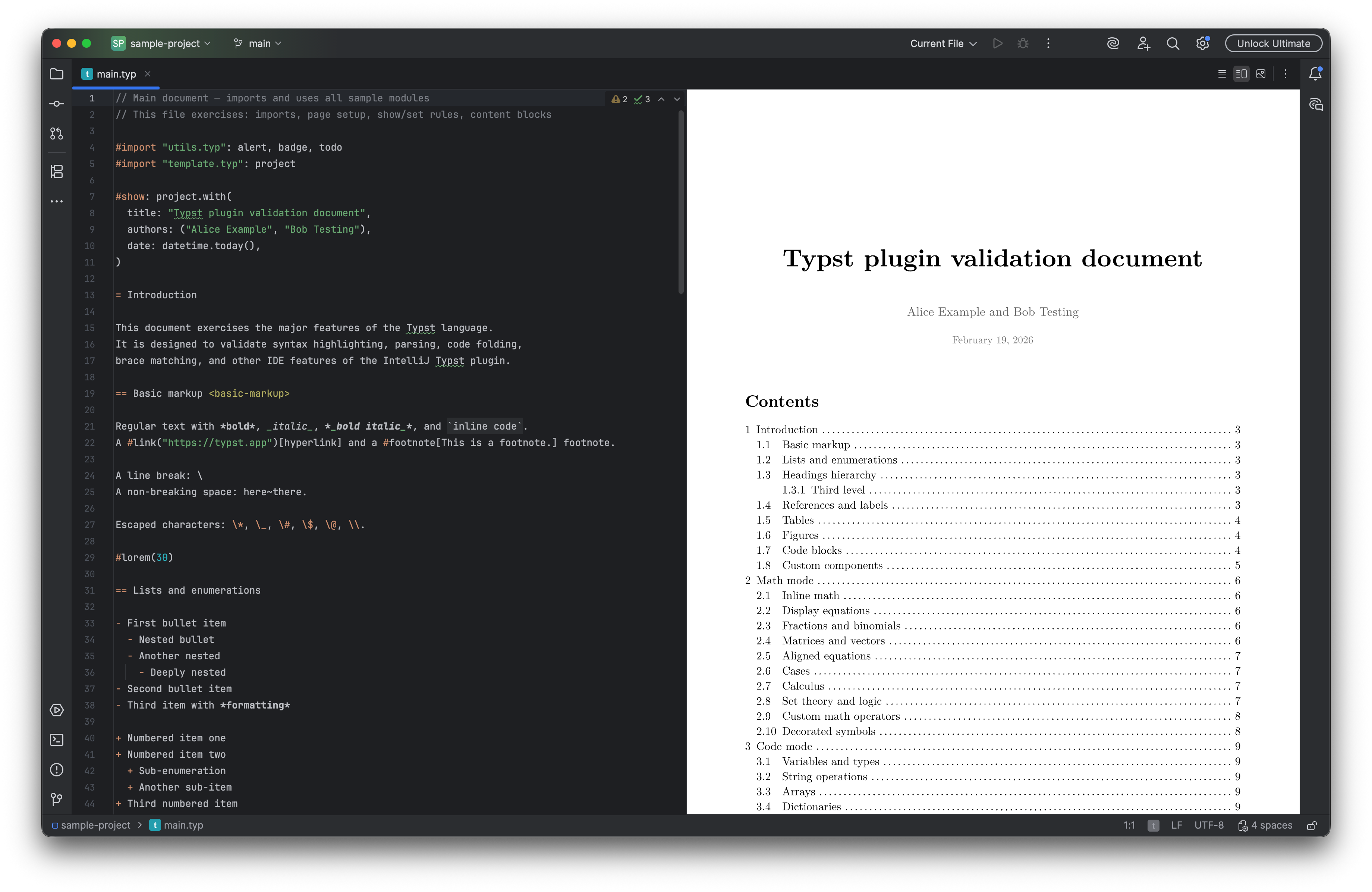
Scribe Pro is the published Typst editing plugin formerly linked as Typst Pro. It combines a native editor with Tinymist language intelligence, live preview, synchronized navigation, authoring tools, and export.
Requirements#
IDE compatibility: IntelliJ IDEA 2025.3.1+. Check the Marketplace list for other editions and their supported versions.
The documented release is 2026.2.11. Its Marketplace compatibility starts at IntelliJ Platform build 253.29346. Check the Marketplace compatibility list for your IDE edition and version before installing.
Tinymist supplies language intelligence and preview and is downloaded on first use. Allow that download, or configure an installed executable under Typst settings. A supported JCEF-enabled IDE runtime is needed for embedded browser-based preview. Optional external formatting tools must be configured if you choose them.
Start here#
Install Scribe Pro, then follow Writing and live preview. The configuration reference explains where to adjust the behavior for your project.
In this manual#
- Writing and live preview — Create a Typst document and keep rendered output beside source.
- Navigation and export — Refactor a Typst project and produce shareable output.
Feature guides#
Document projects#
- Multi-file documents and root paths — Pin a main file and resolve includes from a deliberate Typst root.
Authoring#
- Tables, mathematics, and formatting — Insert structured Typst content and inspect its rendered layout.
- Preview and source navigation — Follow a multi-page document while preserving its compilation context.
Build and analysis#
- Export formats and advanced options — Choose CLI or Tinymist export and review format-specific settings.
- Tests, lint, and profiling — Run Tinymist tests, distinguish lint findings, and profile a document.
Current limitations#
Language intelligence, compilation, and preview depend on Tinymist and the project’s valid Typst sources. Export formats can have different fidelity and tool requirements. The older /typst-pro product URL redirects to Scribe Pro; the settings pages retain the Typst name.
Release reference#
These instructions target the published 2026.2.11 release. Check the version under Settings → Plugins → Installed if your IDE behaves differently. For setup failures, start with troubleshooting.
Manual for version 2026.2.11 · Reviewed